A TurboScribe alternative without the subscription
Upload a file above and compare the two services on facts checked against TurboScribe’s own site.
- Maximum 30 minute duration, basic accuracy
- Maximum 3 uploads a day when signed in
Start to finish

What you get
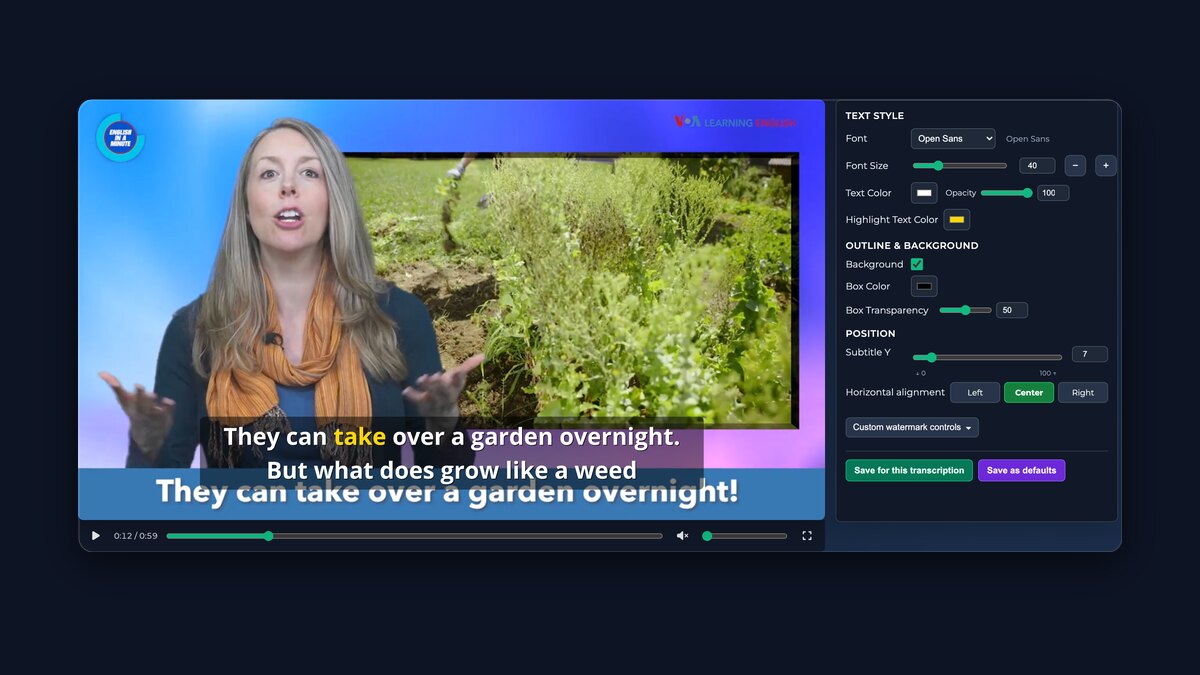
Export video with subtitlesPreview and adjust your subtitles, then export one free watermarked clip of up to five minutes.
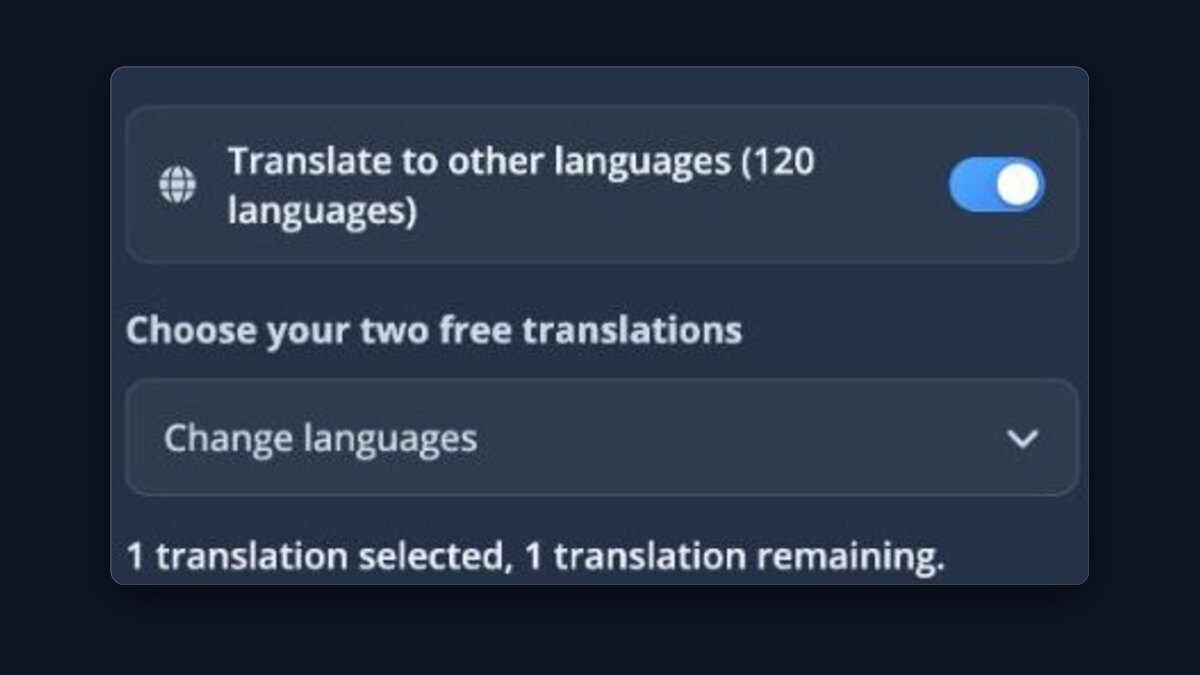
Translate your transcriptionUse included Basic translations or Pro models with credit.
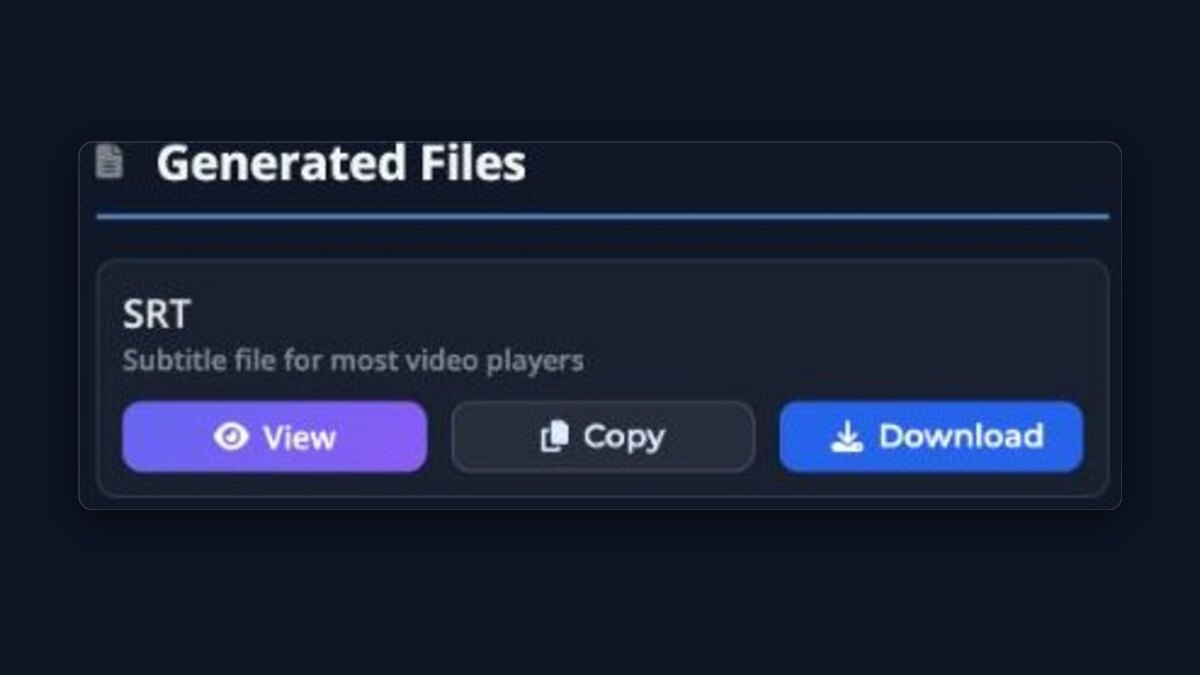
Downloads & ActionsDownload SRT, VTT or TXT subtitle files, or open the transcription in the player.
Transcript editorProCorrect the transcript line by line while every subtitle file stays in sync.

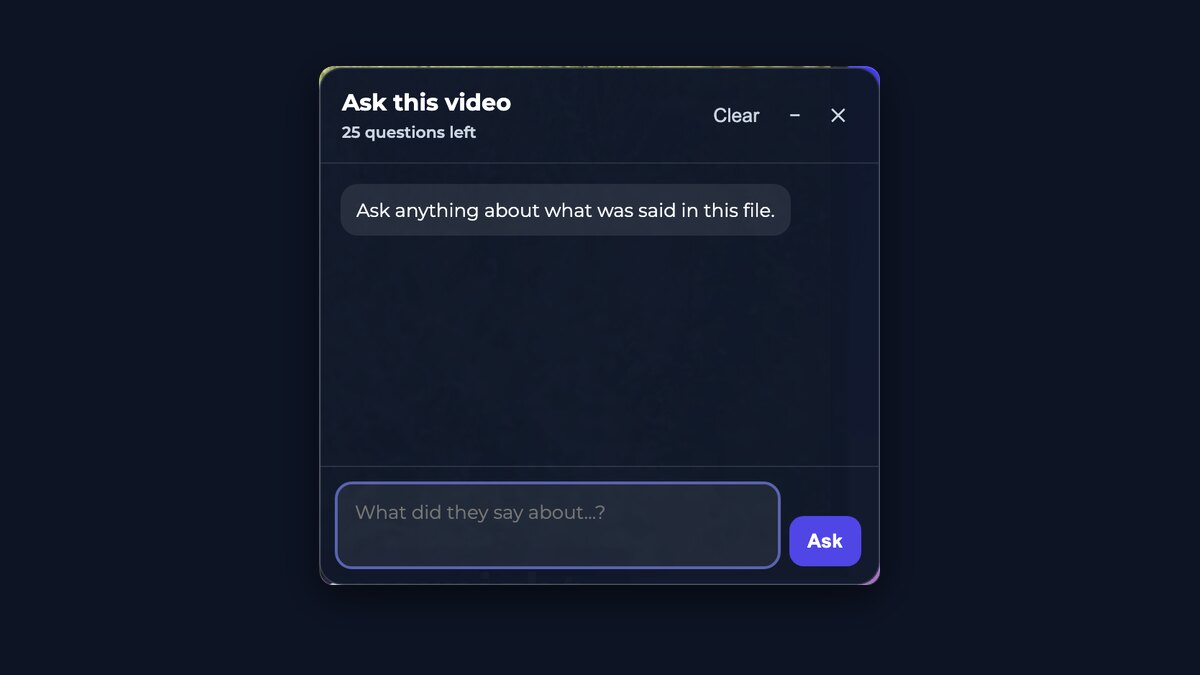
Ask this videoGet answers without scrubbing through the file. Free uploads include a limited number of questions.
Highest accuracyProThe best transcription models available, not the fastest ones — so there is less to fix afterwards.
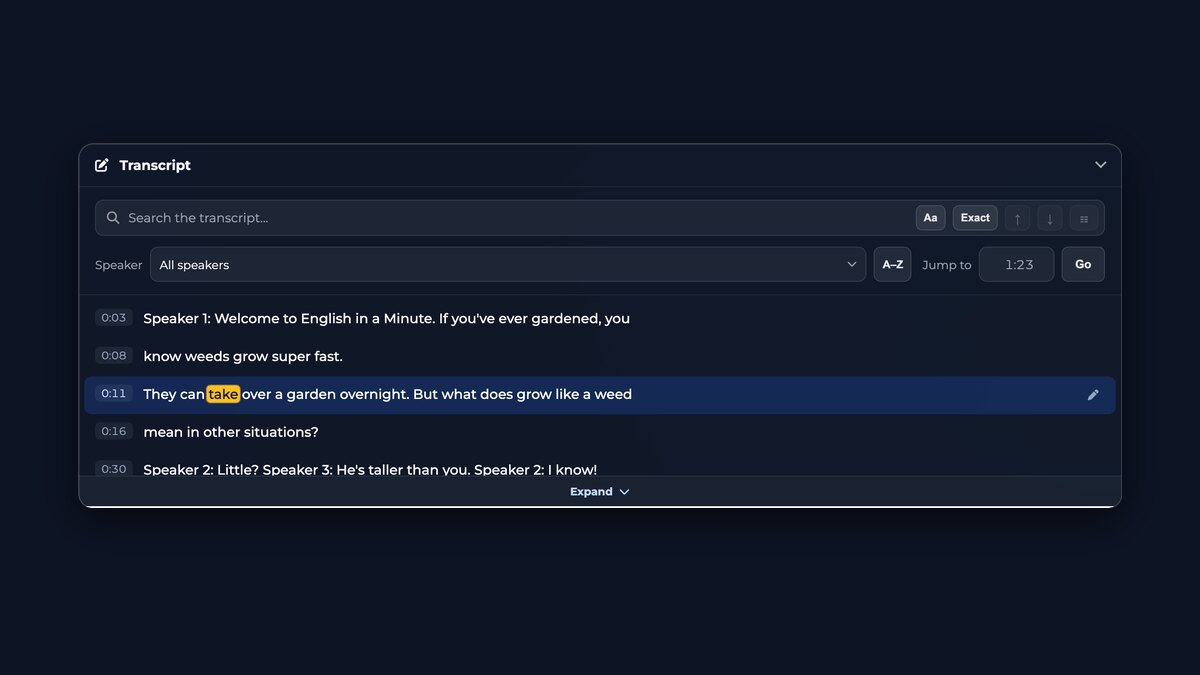
Searchable transcriptSearch every word, filter by speaker, and jump straight to the moment anything was said.
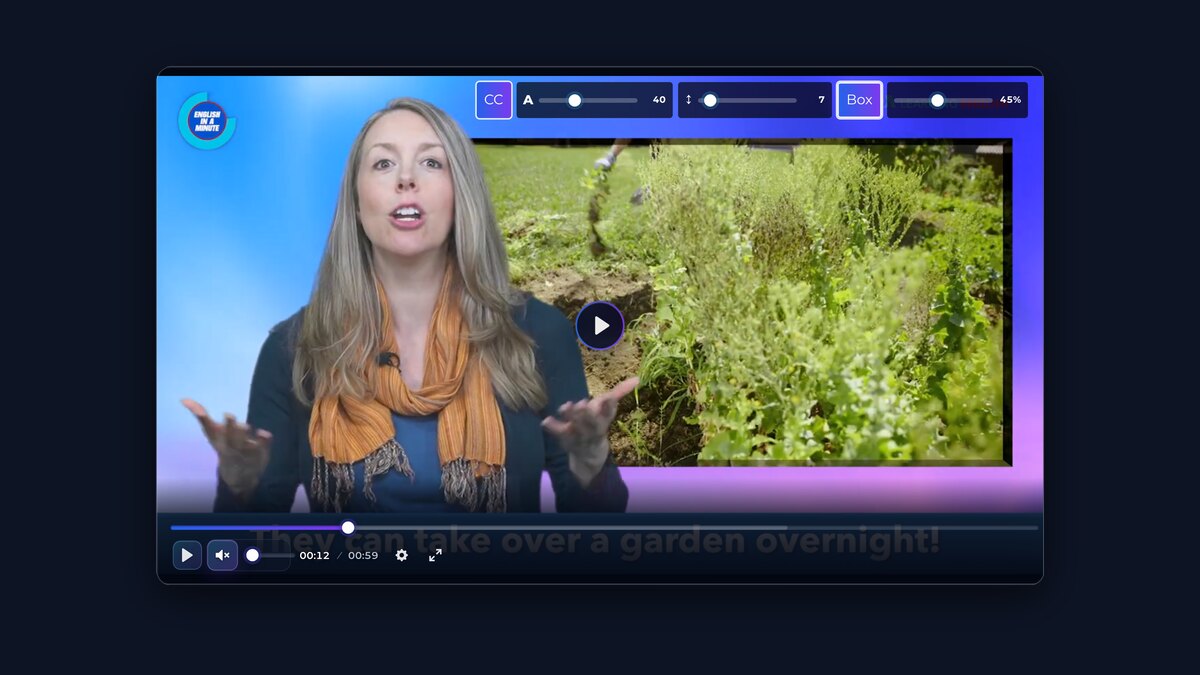
Media PlayerWatch your file with the subtitles over it, switch between translated tracks, and set their size, spacing and background.
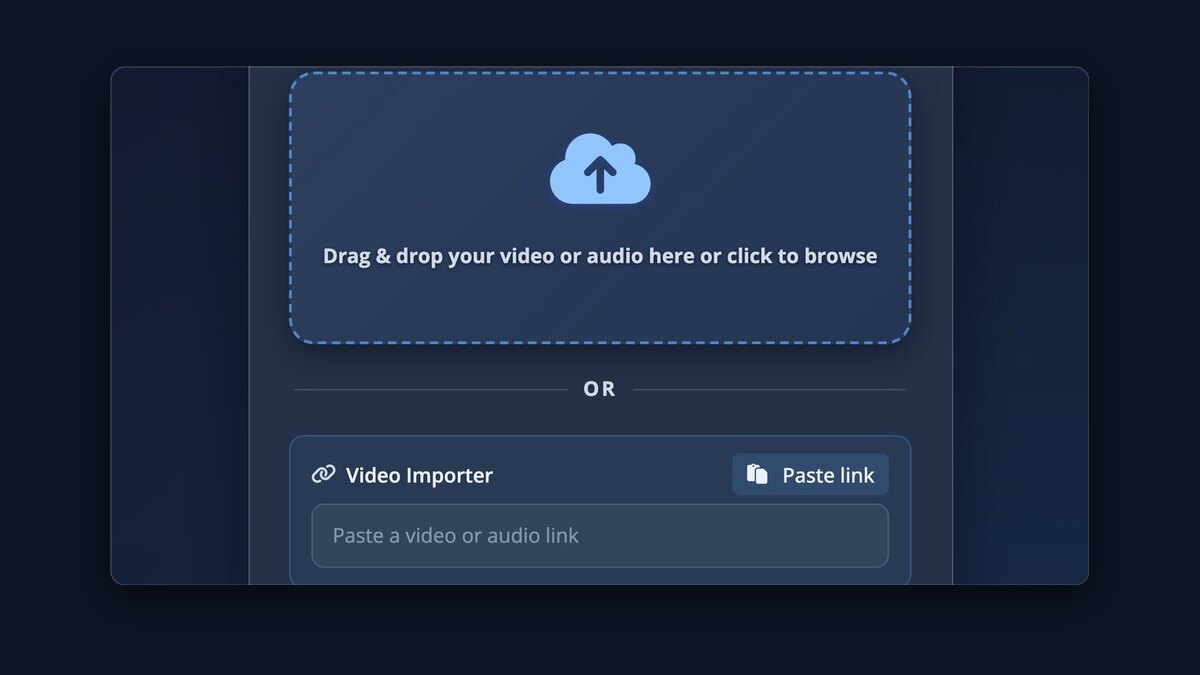
Video ImporterPaste a URL and we fetch the media for you from 1,100+ sites.
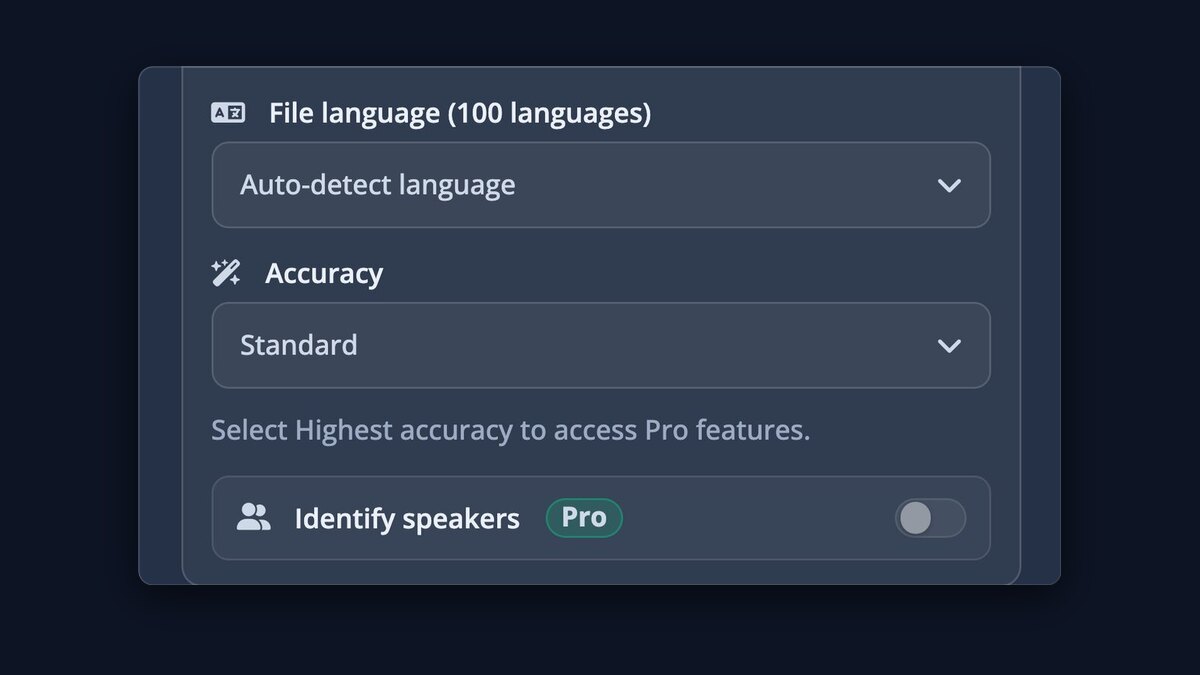
Know who is speakingProSpeaker labels on every line, with names added automatically.
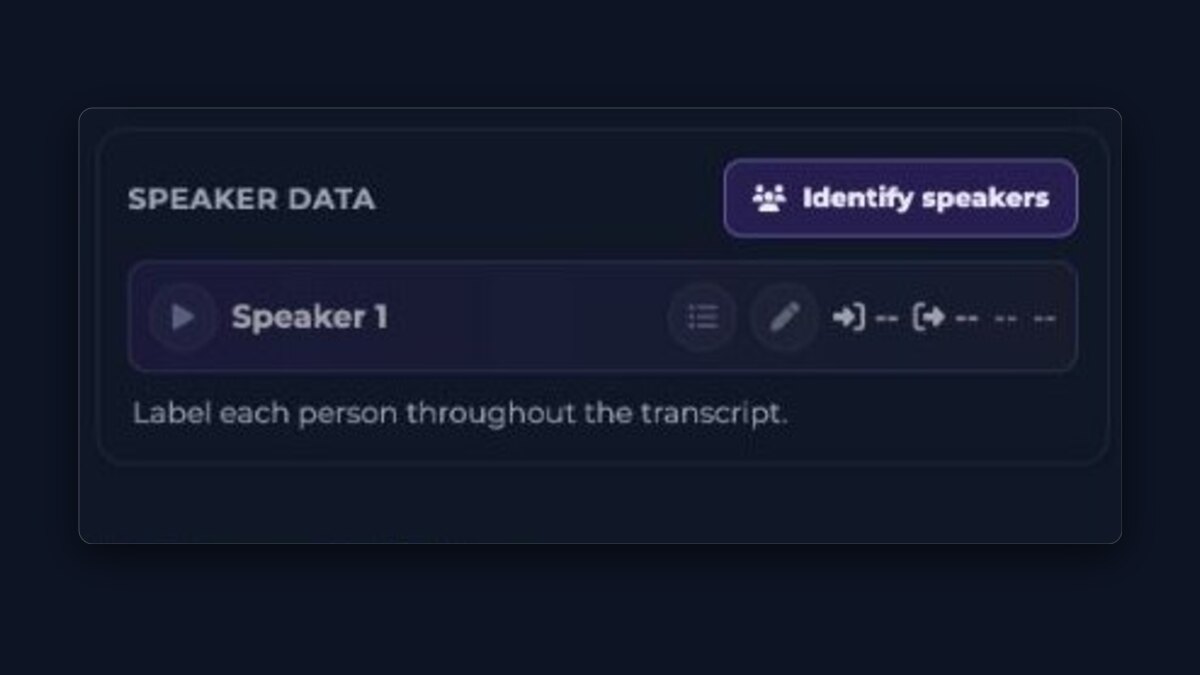
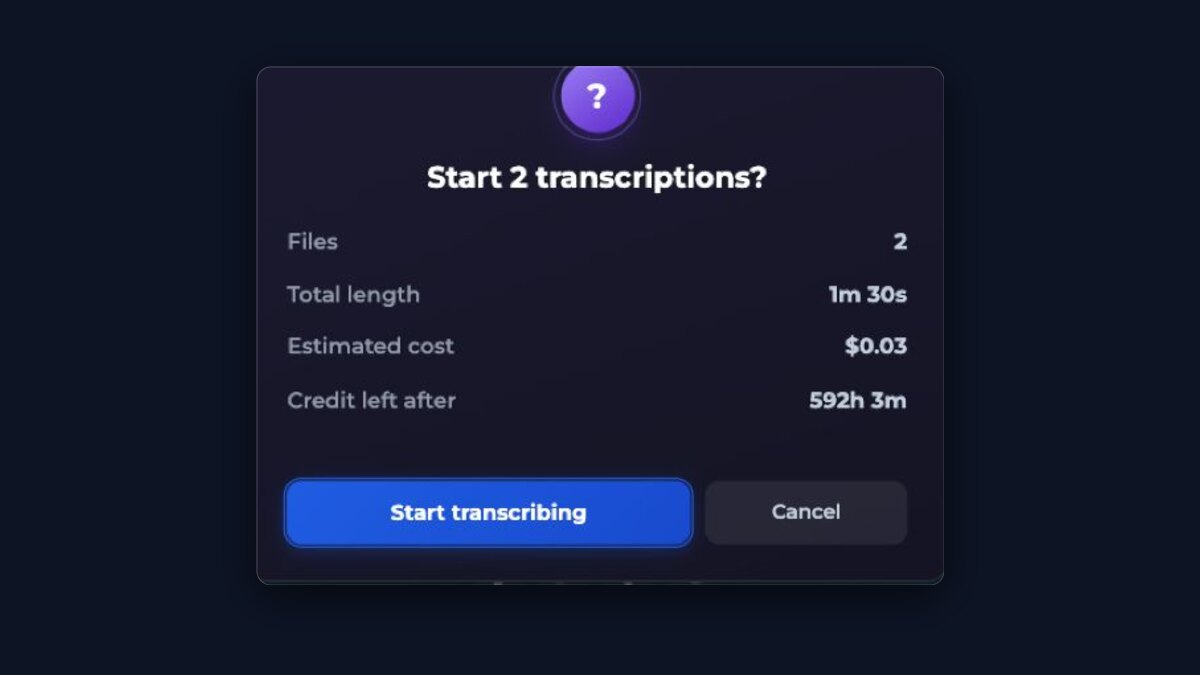
Whole batches at onceProDrop in many files and let them transcribe in parallel.
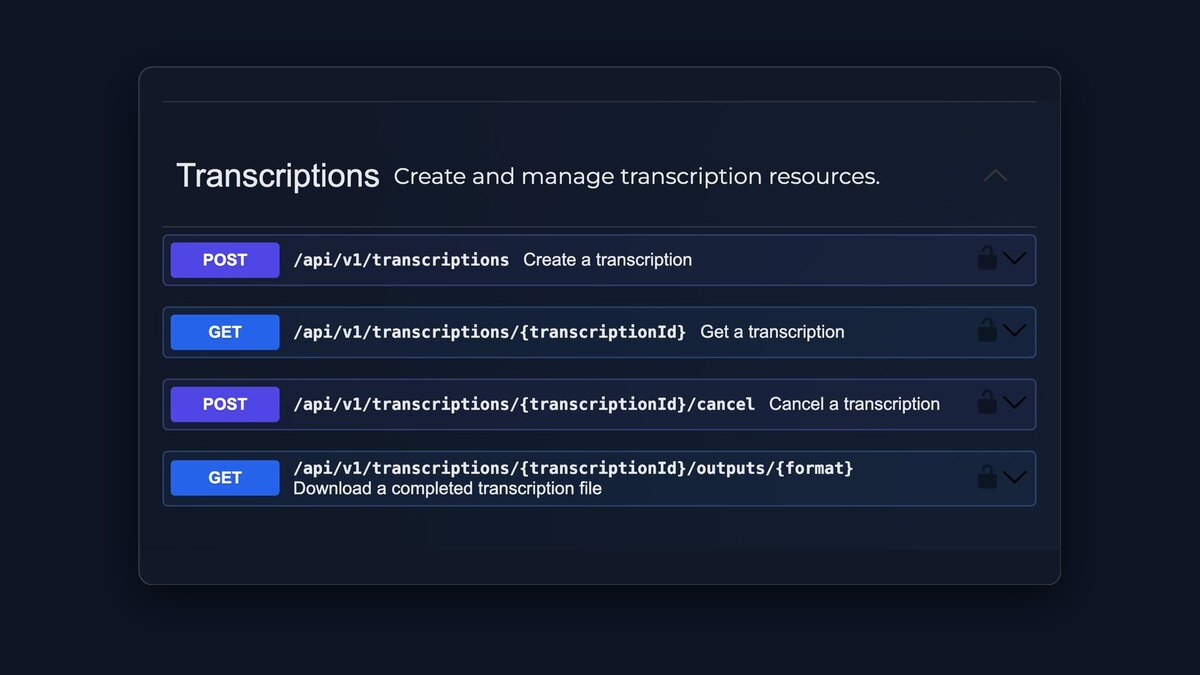
API accessProConnect your own software with an API key.
$0.99/ hour
Pay only for the hours you actually process, and every hour runs on the best transcription models available.
- No subscription
- Start with $0.99
- Credit never expires
TurboScribe is a capable transcription service, and for some people it is the better fit — the comparison below says so where that is true. The structural difference is the pricing model: TurboScribe sells an unlimited monthly subscription, while Subtitles.app charges per hour of audio with no subscription, so occasional transcription does not carry a monthly fee. Every TurboScribe claim below comes from their own public pages and is dated, because pricing pages change.
Side by side
All TurboScribe details below come from their own public pages, checked on 2026-08-18. The Subtitles.app side is generated from the same configuration the uploader above enforces.
| Subtitles.app | TurboScribe | |
|---|---|---|
| Pricing model | $0.99 per hour of audio or video, paid as you go — no subscription. First purchase from $0.99; later top-ups from $5.00. | TurboScribe Unlimited costs $10/month (billed yearly, $120/year) or $20/month (billed monthly) — their FAQ’s own wording. |
| Free tier | 1 free transcription per 24 hours with no account, up to 30 minutes per file; a free email account gives one upload immediately, then one every 30 minutes, up to 3 uploads per 24 hours and 30 minutes per file. | “3 Transcripts Daily … Each file can be up to 30 minutes long. Upload 1 file at a time” with “Lower Priority”. On accounts their own pages disagree: the pricing page’s free plan says “Sign up with email address”, while their free-tool page says “No account, no login, and no payment required” for up to three files a day. |
| Largest file with the paid option | No duration limit. Files up to 10 GB with credit. | “Each file can be up to 10 hours long / 5 GB” on Unlimited. |
| Downloads | TXT, SRT, VTT transcript and subtitle files with every transcription, ASS with the paid option, plus Export video — a downloadable video with the subtitles included. | Transcripts export as “PDF, DOCX, captions and subtitles (SRT/VTT), CSV, and TXT”. No video download is listed. |
| Translation | Translation into 120 languages; one translation language is included free, and translated lines keep the original subtitle timing. | “Translation to 134+ languages”, listed under the paid Unlimited plan’s features. |
| Transcription languages | 100 languages with automatic detection. | “98+ Languages”, powered by Whisper. |
| Speaker identification | Available with the paid Highest accuracy option; detected speakers can be renamed in the transcript. | “Recognize Speakers — Labels each section of the transcript with who is speaking.” |
Where TurboScribe is the better choice
- You transcribe many hours every month. Their flat $10/month (billed yearly) covers unlimited transcription, which costs less than paying per hour here once you pass roughly ten hours a month.
- You upload large batches. TurboScribe Unlimited accepts up to 50 files at a time.
- You need Word, PDF, or CSV documents directly. They export DOCX, PDF, and CSV; here the transcript downloads are TXT, SRT, or VTT, with ASS included in the paid option.
Sources, checked 2026-08-18: TurboScribe homepage and FAQ, TurboScribe pricing, TurboScribe free tool page (“no account required”). One comparison is maintained at a time so the claims stay current; if a figure looks out of date, trust their site over this page and tell us.
Free use, prices, and limits
These numbers are the ones the uploader on this page actually enforces.
- Starting out
- No account or payment details are needed for the first free upload. A free account lets you upload again immediately, then every 30 minutes, up to 3 uploads per 24 hours.
- Free transcriptions
- 1 per 24 hours without an account · up to 3 per 24 hours with a free account, one every 30 minutes
- Free file length
- Up to 30 minutes per file without an account · up to 30 minutes with a free account
- Free file size
- Up to 1 GB per upload
- Pro price
- $0.99 per hour of audio or video, paid as you go with no subscription. The first purchase starts at $0.99; later top-ups start at $5.00.
- Pro file limits
- No duration limit. Files up to 10 GB.
- Downloads
- Transcript and subtitle files (TXT, SRT, VTT with every transcription, ASS with the paid option), or a downloadable video with the subtitles included
- Languages
- Transcription in 100 languages with automatic detection · translation into 120 languages
- Speaker identification
- Available with the paid Highest accuracy option. Detected speakers can be renamed in the transcript.