Japanese subtitles and transcripts
Transcribe Japanese recordings and download subtitles laid out for Japanese text.
- Maximum 30 minute duration, basic accuracy
- Maximum 3 uploads a day when signed in
Start to finish

What you get
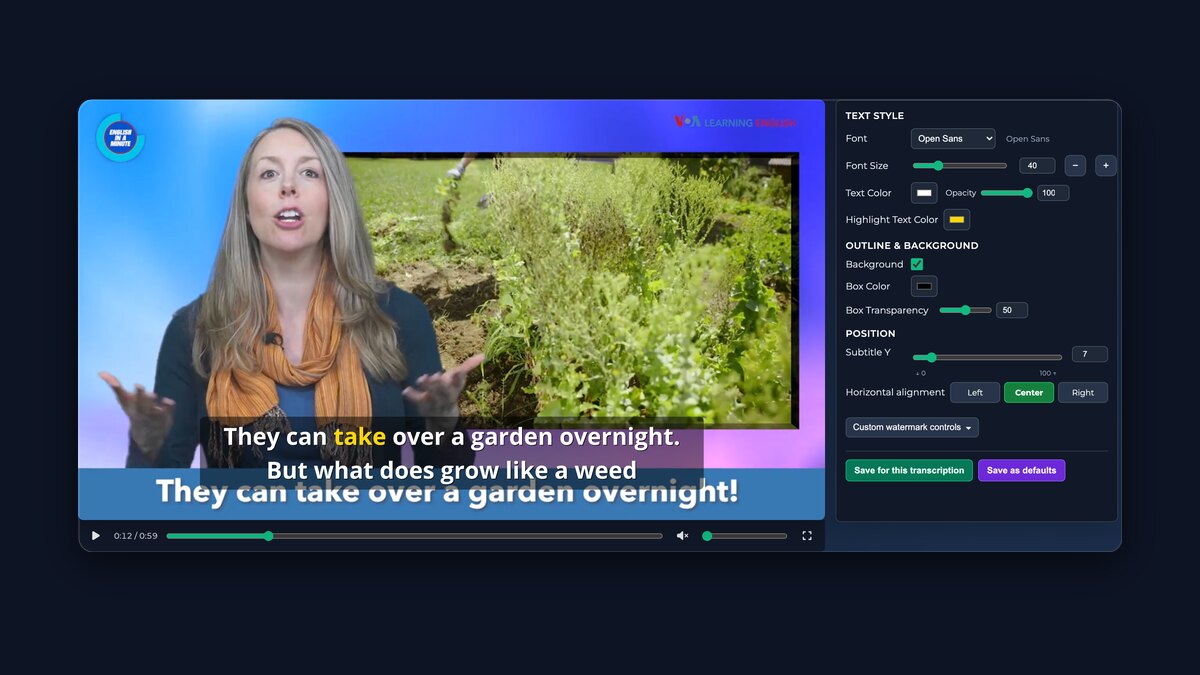
Export video with subtitlesPreview and adjust your subtitles, then export one free watermarked clip of up to five minutes.
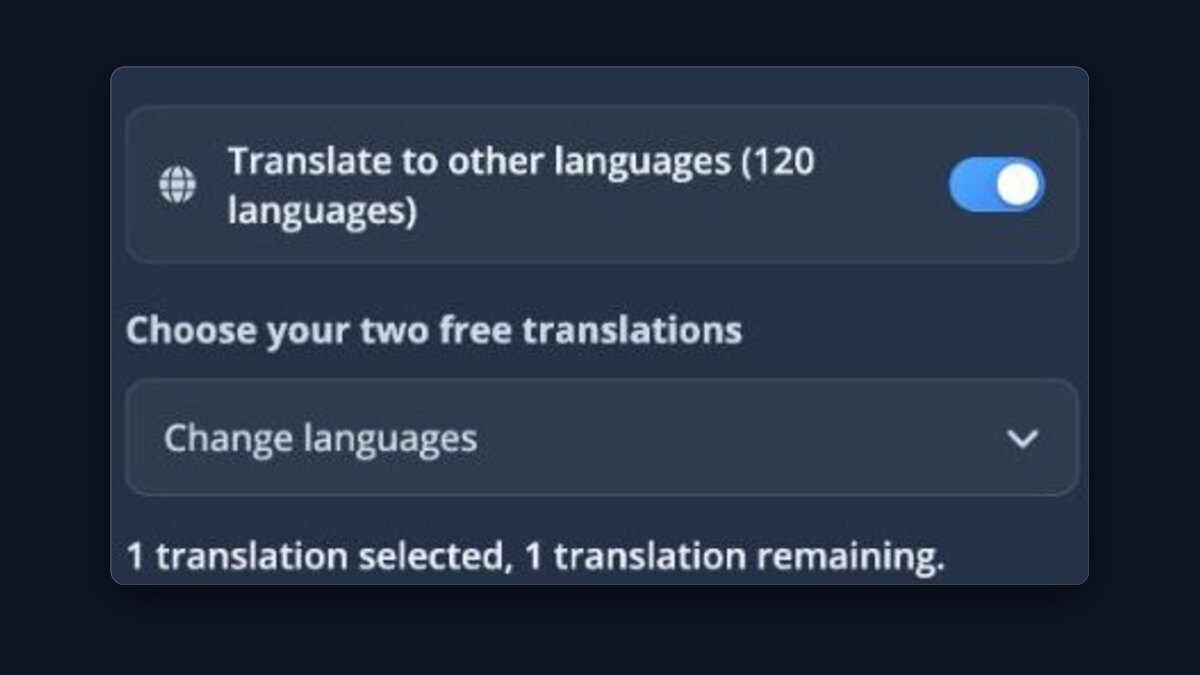
Translate your transcriptionUse included Basic translations or Pro models with credit.
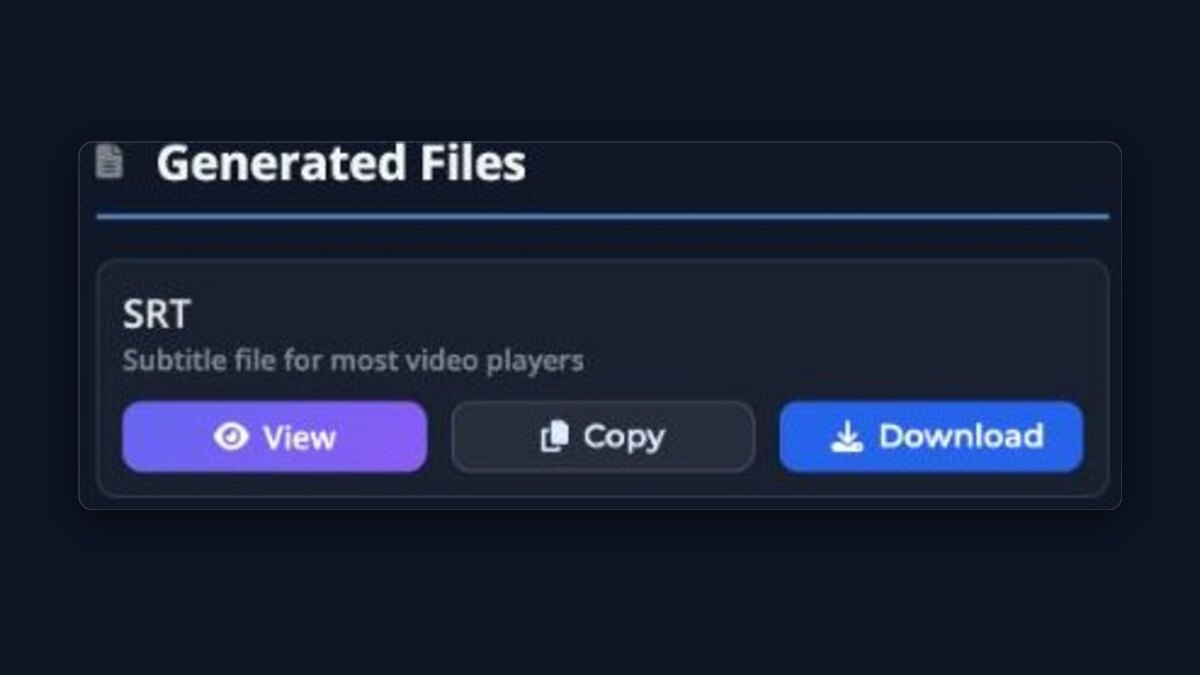
Downloads & ActionsDownload SRT, VTT or TXT subtitle files, or open the transcription in the player.
Transcript editorProCorrect the transcript line by line while every subtitle file stays in sync.

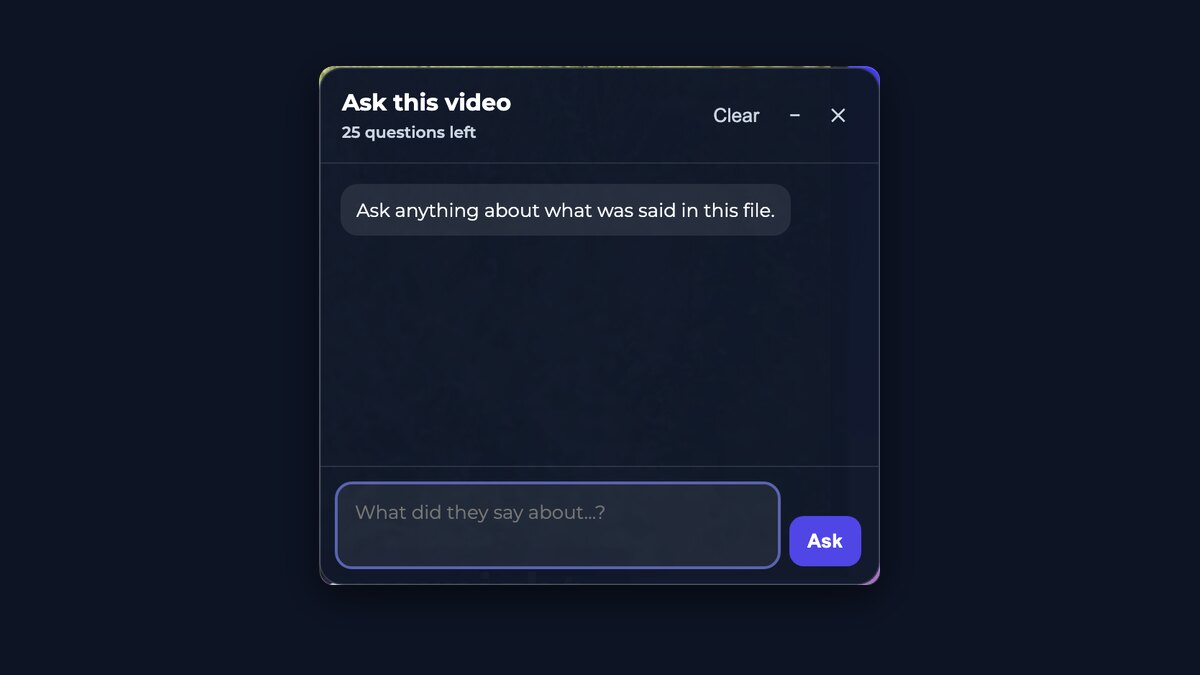
Ask this videoGet answers without scrubbing through the file. Free uploads include a limited number of questions.
Highest accuracyProThe best transcription models available, not the fastest ones — so there is less to fix afterwards.
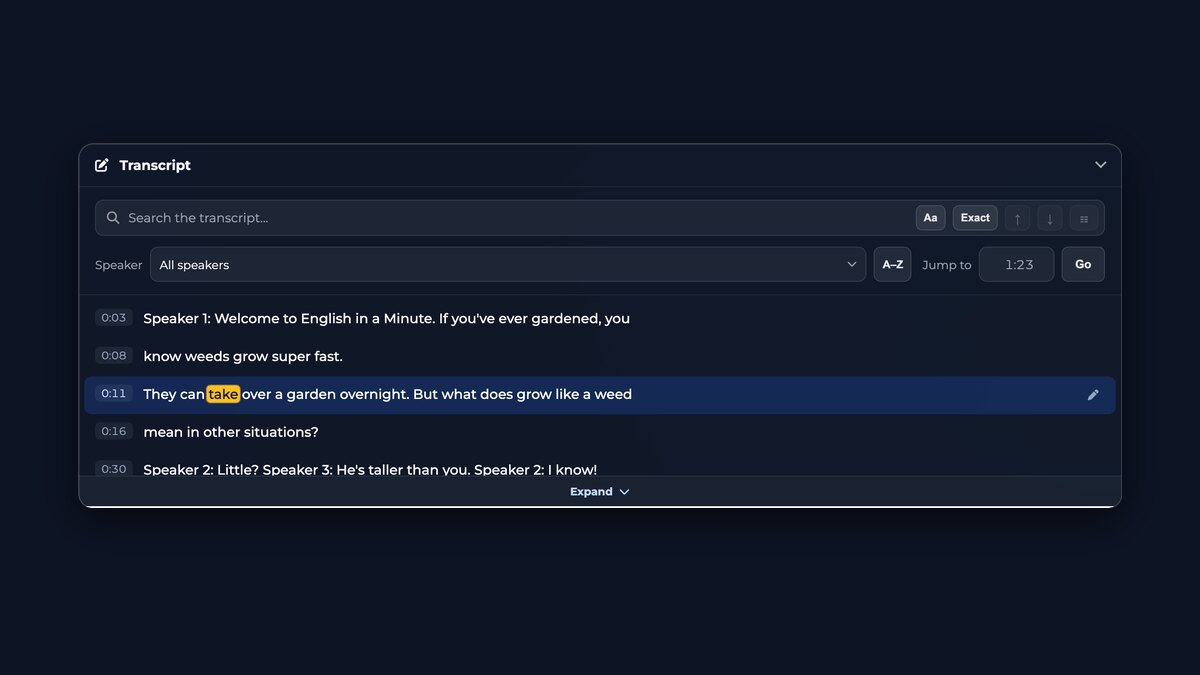
Searchable transcriptSearch every word, filter by speaker, and jump straight to the moment anything was said.
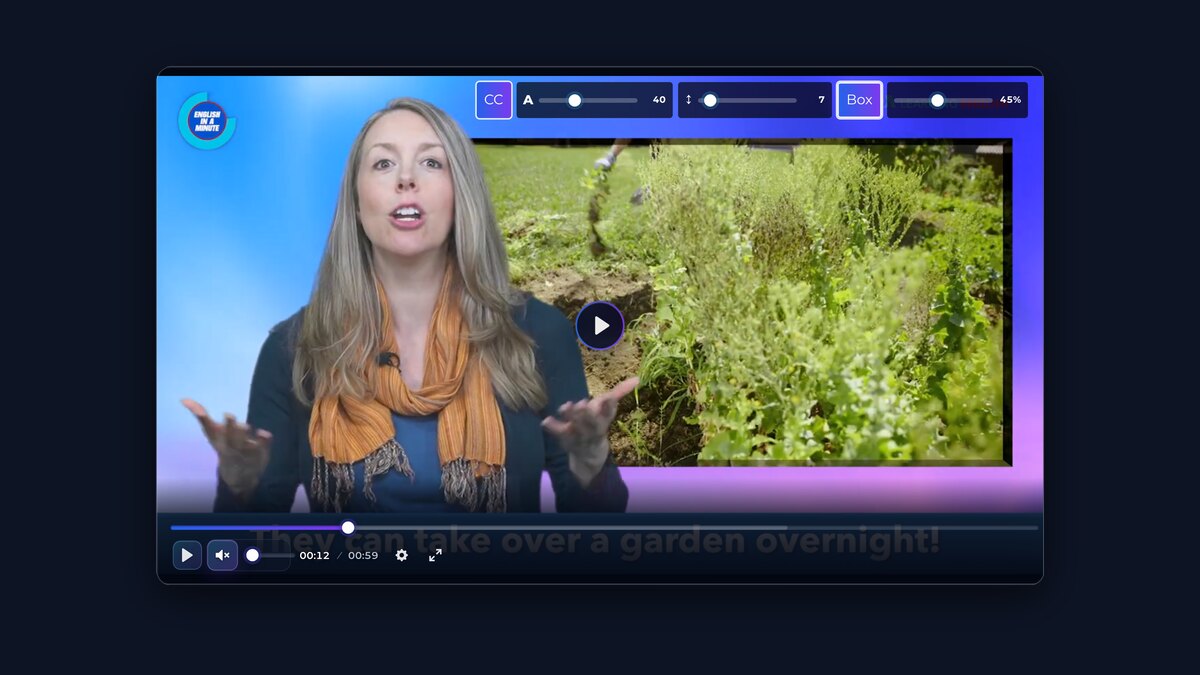
Media PlayerWatch your file with the subtitles over it, switch between translated tracks, and set their size, spacing and background.
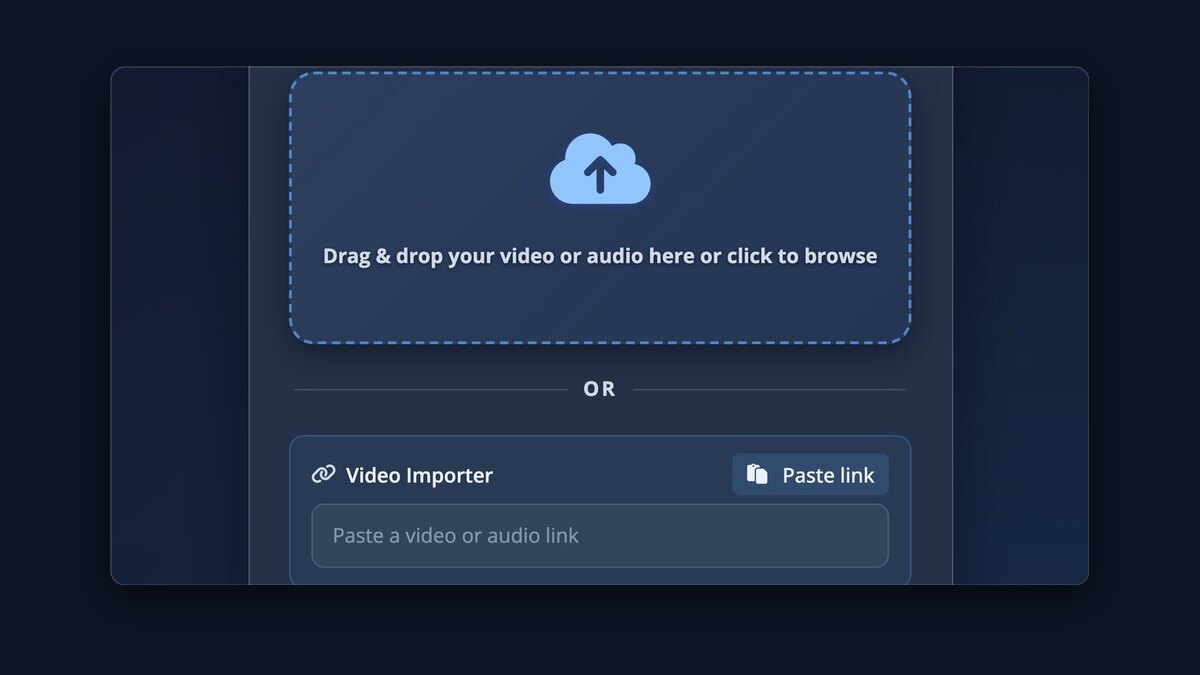
Video ImporterPaste a URL and we fetch the media for you from 1,100+ sites.
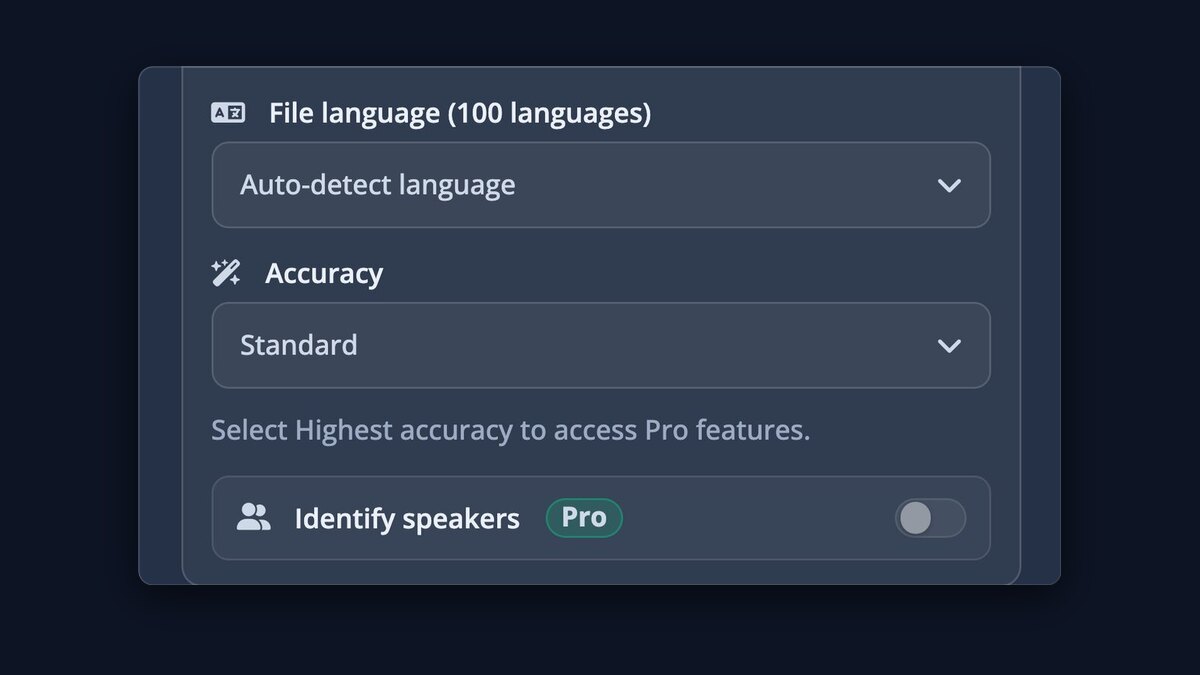
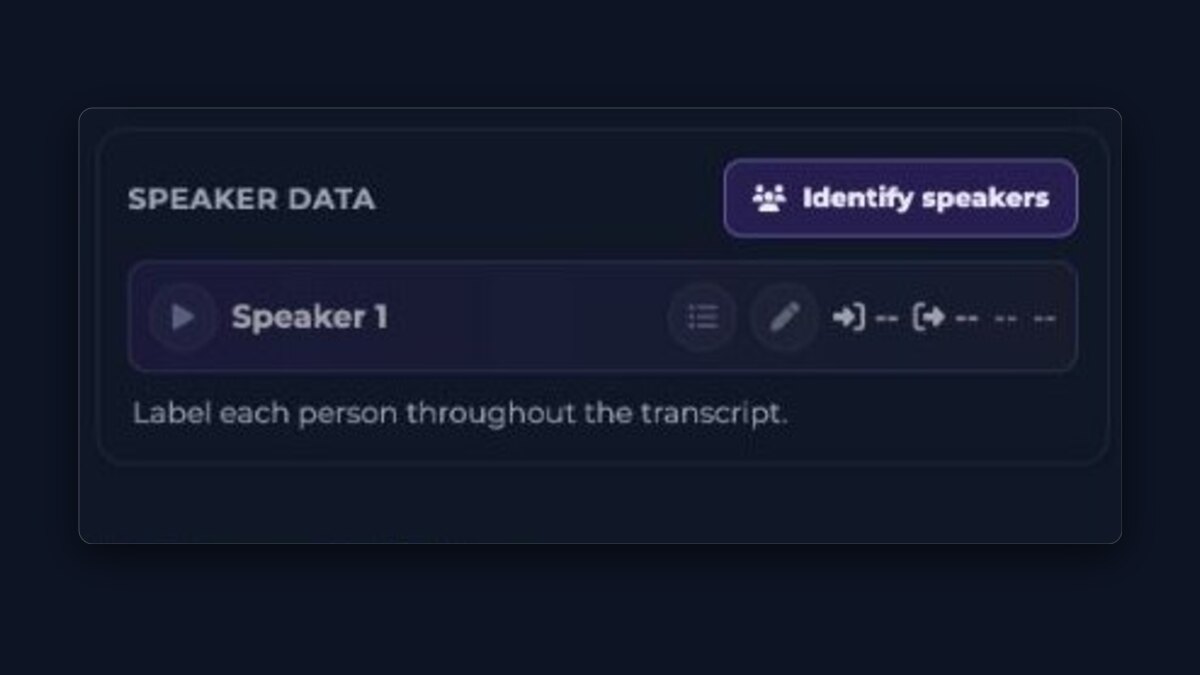
Know who is speakingProSpeaker labels on every line, with names added automatically.
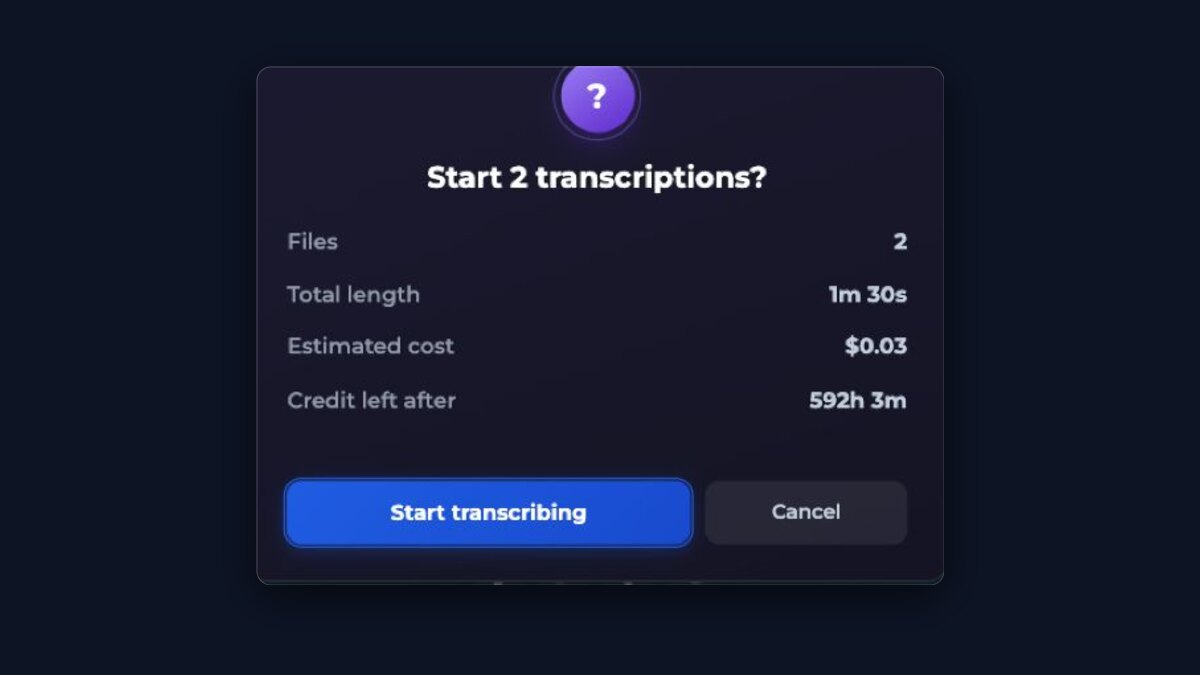
Whole batches at onceProDrop in many files and let them transcribe in parallel.
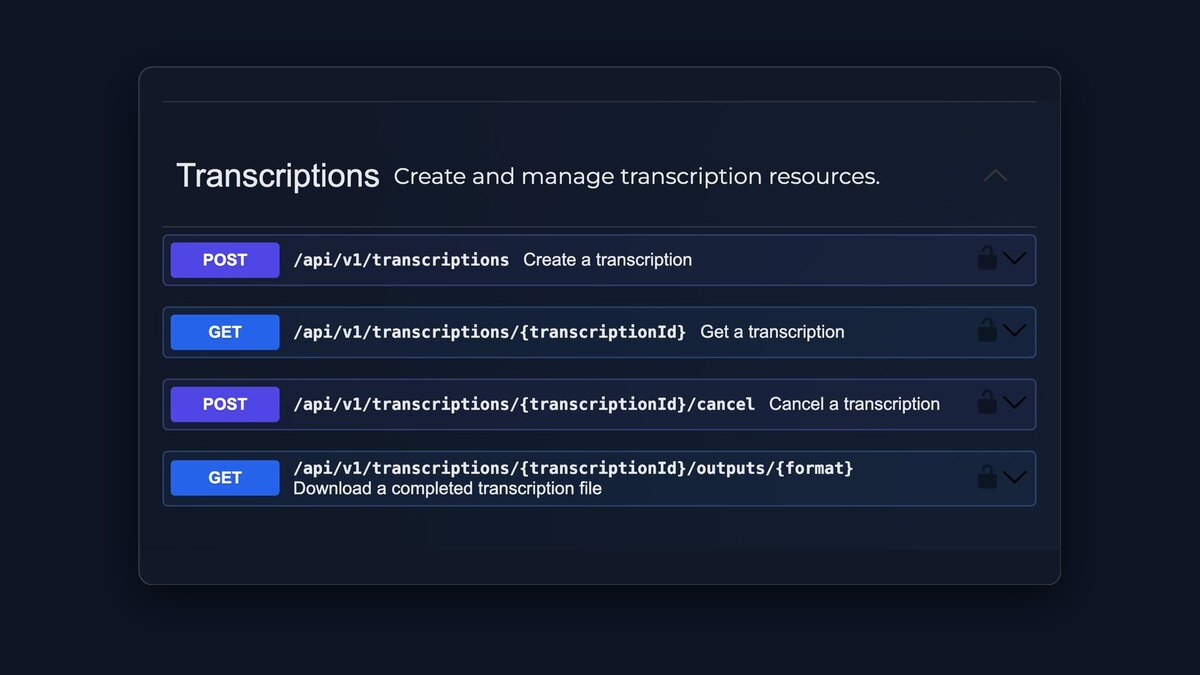
API accessProConnect your own software with an API key.
$0.99/ hour
Pay only for the hours you actually process, and every hour runs on the best transcription models available.
- No subscription
- Start with $0.99
- Credit never expires
Japanese writing mixes kanji, hiragana, and katakana in the same sentence and puts no spaces between words, so Japanese subtitles follow their own layout rules. Upload a meeting, lecture, interview, podcast, or any other recording with Japanese speech. The transcript is broken into subtitle lines using character counts suited to Japanese, keeps timestamps to the recording, and can be translated with the original text kept alongside so names and terms can be checked properly.
How to do it
- Upload the audio or video recording with Japanese speech.
- Leave the language on auto-detect, or choose Japanese to skip detection.
- Review names and technical terms — kanji chosen from audio alone can need correcting.
- Download TXT, SRT, VTT, or ASS, or use Export video for a downloadable video with the subtitles visible.
Questions
Why are Japanese subtitle lines briefer than English ones?
Japanese reads comfortably in compact lines, and this app breaks Japanese subtitles by character count rather than by words. The exact per-line limit is shown in the guidance below and applied automatically.
How are kanji handled?
The recognition model chooses kanji from the audio, and Japanese has many homophones, so a name or term can be written with plausible but wrong characters. The transcript is editable on screen; correcting a name once fixes every download.
Can I translate Japanese subtitles into English or other languages?
Yes. Turn on translation and review the original and translation together. Japanese word order differs a lot from English, so checking names, numbers, and quoted phrases against the original is worth the few minutes it takes.
Does it handle katakana loanwords?
Loanwords appear in katakana as the model heard them. Product names and borrowed technical terms are worth a quick review, since the conventional spelling of a brand can differ from a phonetic one.
How Japanese changes the subtitles
Line length is counted in characters
Japanese puts no spaces between words, so subtitle lines here are measured by character count, and a comfortable Japanese line is shorter than a Chinese one, let alone an English one. The exact limits this page applies are shown below, straight from the layout engine.
Kanji from audio needs a human check
The same spoken syllables can map to several written forms, so personal names, company names, and specialist vocabulary are where a Japanese transcript most often needs a correction. Fix each important name once in the player and every download uses the corrected text.
Translation differs more than most languages
Japanese word order and omitted subjects mean a translation reads very differently from the original. Keep both versions visible while reviewing, and give quoted phrases, numbers, and polite forms a direct check against the recording before publishing the translated subtitles.
Free use, prices, and limits
These numbers are the ones the uploader on this page actually enforces.
- Starting out
- No account or payment details are needed for the first free upload. A free account lets you upload again immediately, then every 30 minutes, up to 3 uploads per 24 hours.
- Free transcriptions
- 1 per 24 hours without an account · up to 3 per 24 hours with a free account, one every 30 minutes
- Free file length
- Up to 30 minutes per file without an account · up to 30 minutes with a free account
- Free file size
- Up to 1 GB per upload
- Pro price
- $0.99 per hour of audio or video, paid as you go with no subscription. The first purchase starts at $0.99; later top-ups start at $5.00.
- Pro file limits
- No duration limit. Files up to 10 GB.
- Downloads
- Transcript and subtitle files (TXT, SRT, VTT with every transcription, ASS with the paid option), or a downloadable video with the subtitles included
- Languages
- Transcription in 100 languages with automatic detection · translation into 120 languages
- Speaker identification
- Available with the paid Highest accuracy option. Detected speakers can be renamed in the transcript.