Japanese subtitles and transcripts
Transcribe Japanese recordings and download subtitles laid out for Japanese text.
- Maximum 30 minute duration, basic accuracy
- Maximum 3 uploads a day when signed in
Comment utiliser le site

Ce que vous obtenez
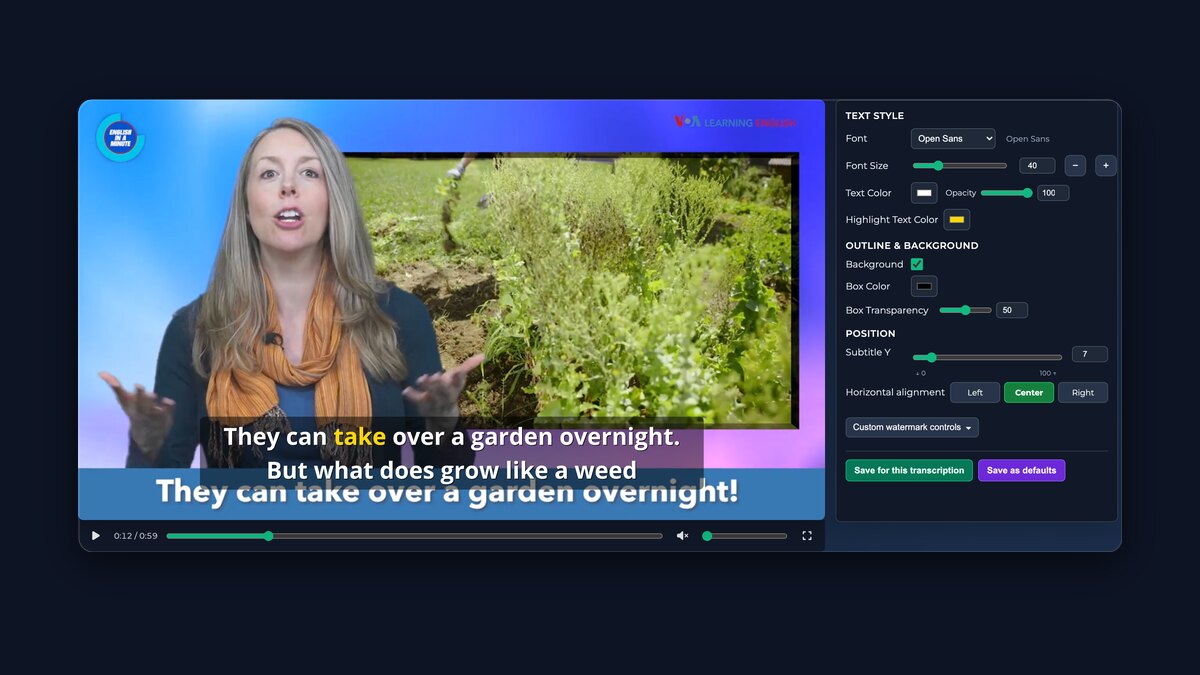
Exporter la vidéo avec sous-titresMettez en forme vos sous-titres devant un aperçu en direct, puis exportez la vidéo avec les sous-titres — les exports gratuits sont des clips filigranés de cinq minutes maximum.
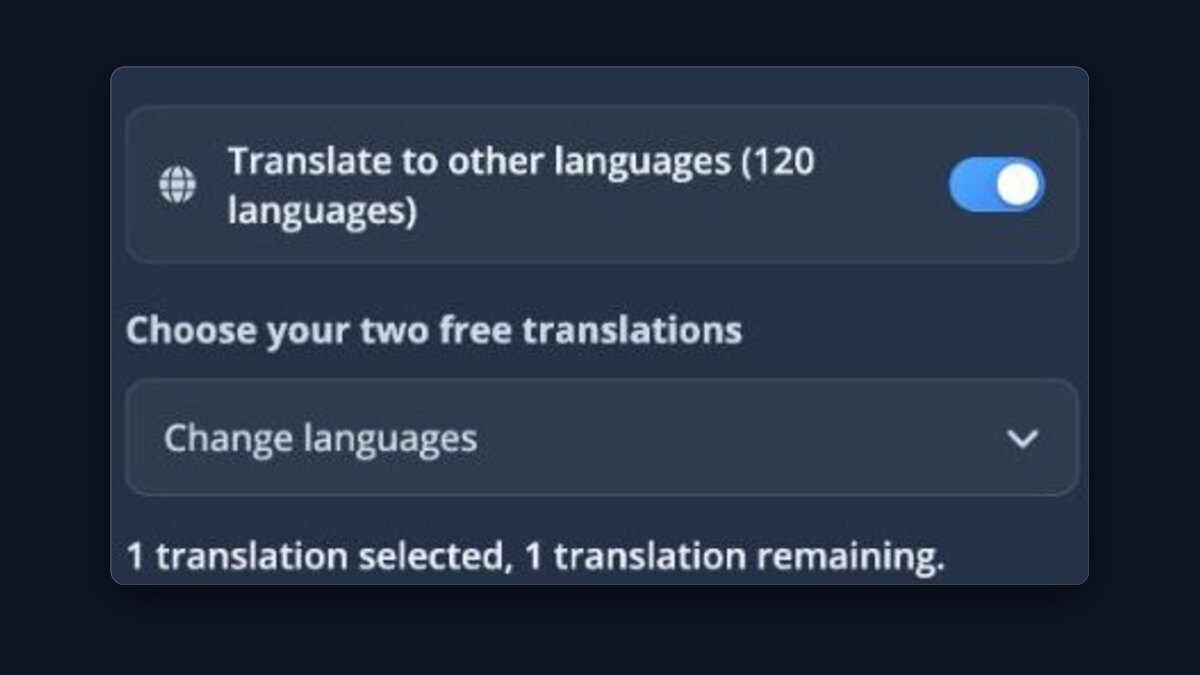
Traduire votre transcriptionUtilisez les traductions Basic incluses ou les modèles payants avec crédit.
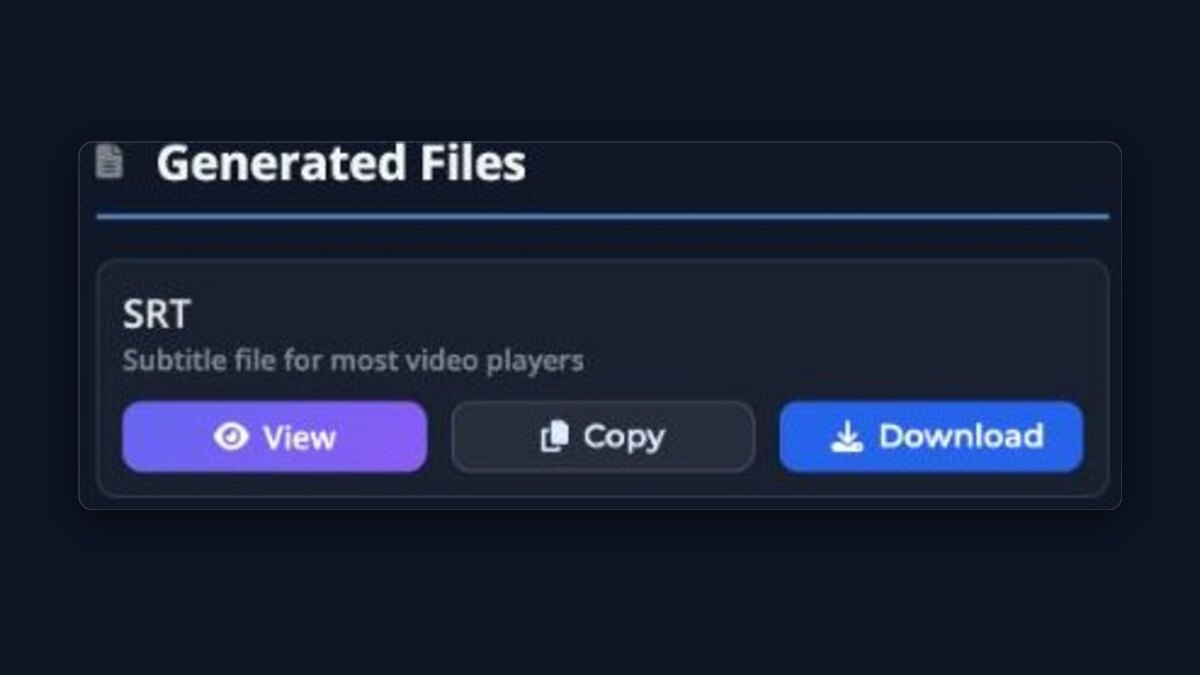
Téléchargements & ActionsTéléchargez SRT/VTT/TXT ou ouvrez le Lecteur pour un aperçu.
Éditeur de transcriptionProCorrigez la transcription ligne par ligne tout en gardant tous les fichiers de sous-titres synchronisés.

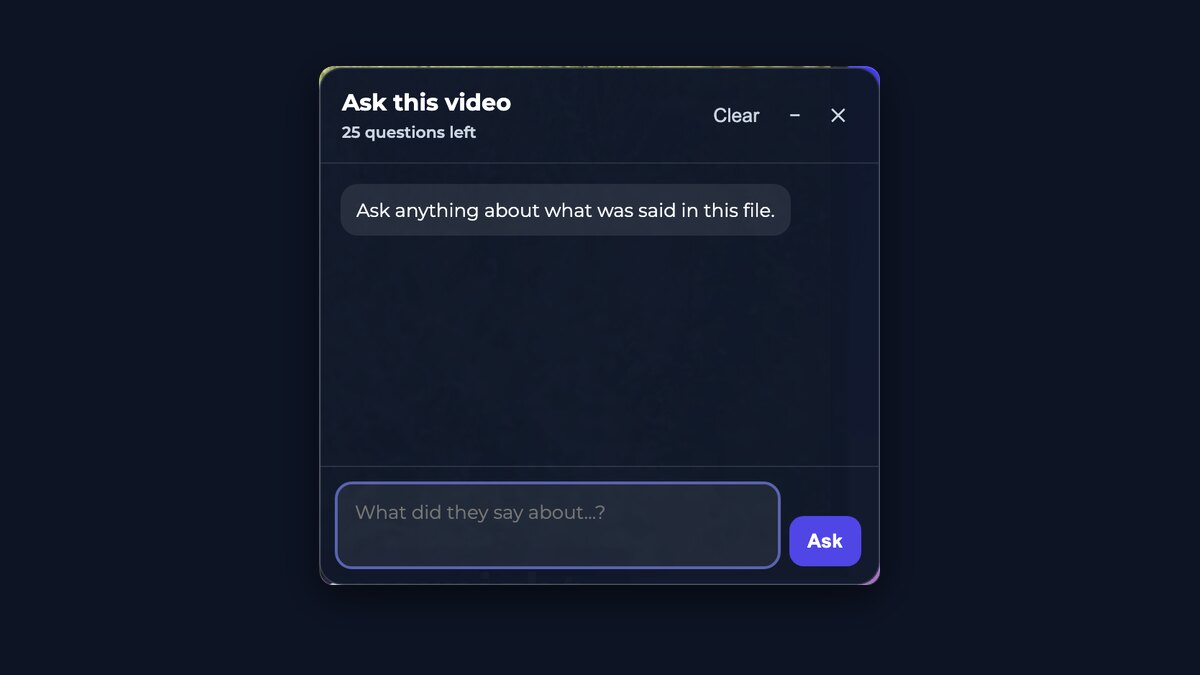
Interroger cette vidéoObtenez des réponses sur ce qui a été dit sans parcourir le fichier — nombre de questions limité pour les envois gratuits.
Précision maximaleProLes meilleurs modèles de transcription disponibles, pas les plus rapides — il y a donc moins à corriger ensuite.
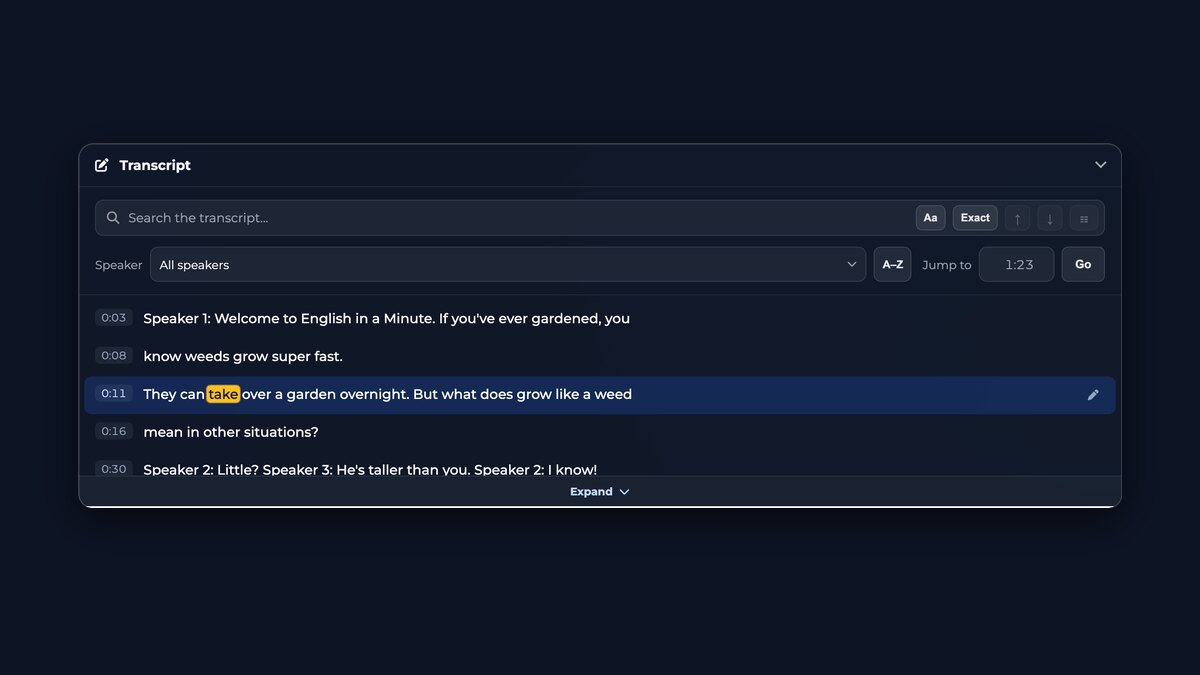
Transcription consultableCherchez n'importe quel mot, filtrez par intervenant et sautez directement au moment où il a été dit.
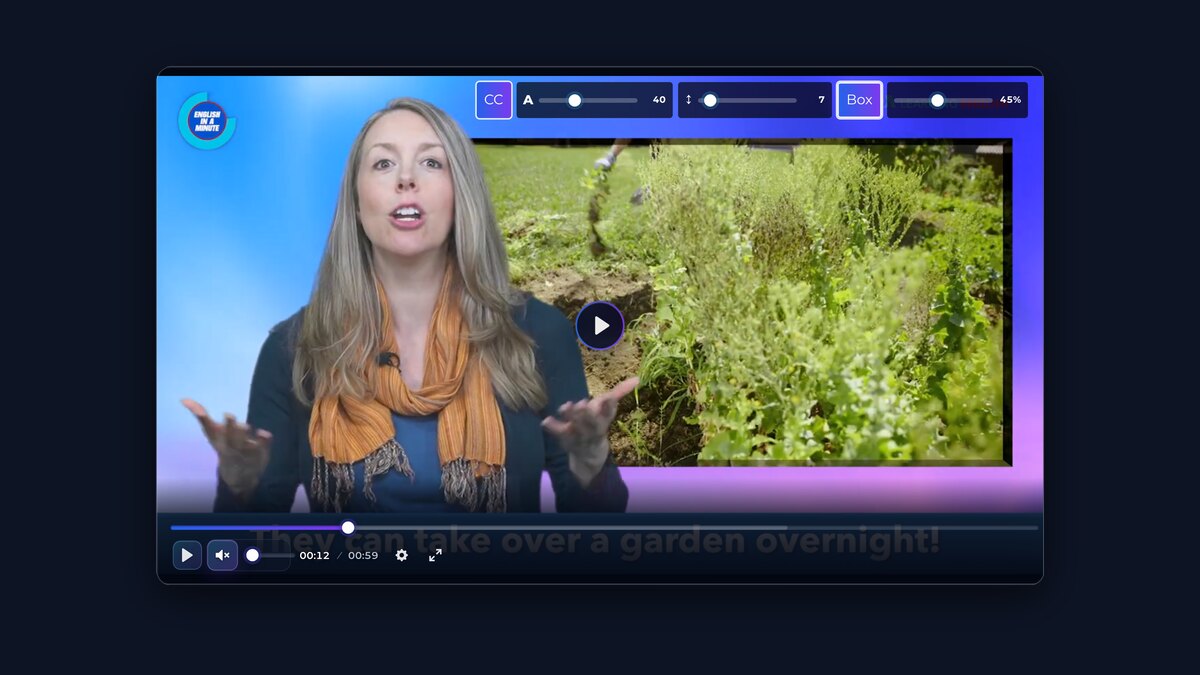
Lecteur MultimédiaRegardez votre fichier avec les sous-titres par-dessus, passez d'une piste traduite à l'autre et réglez leur taille, leur espacement et leur fond.
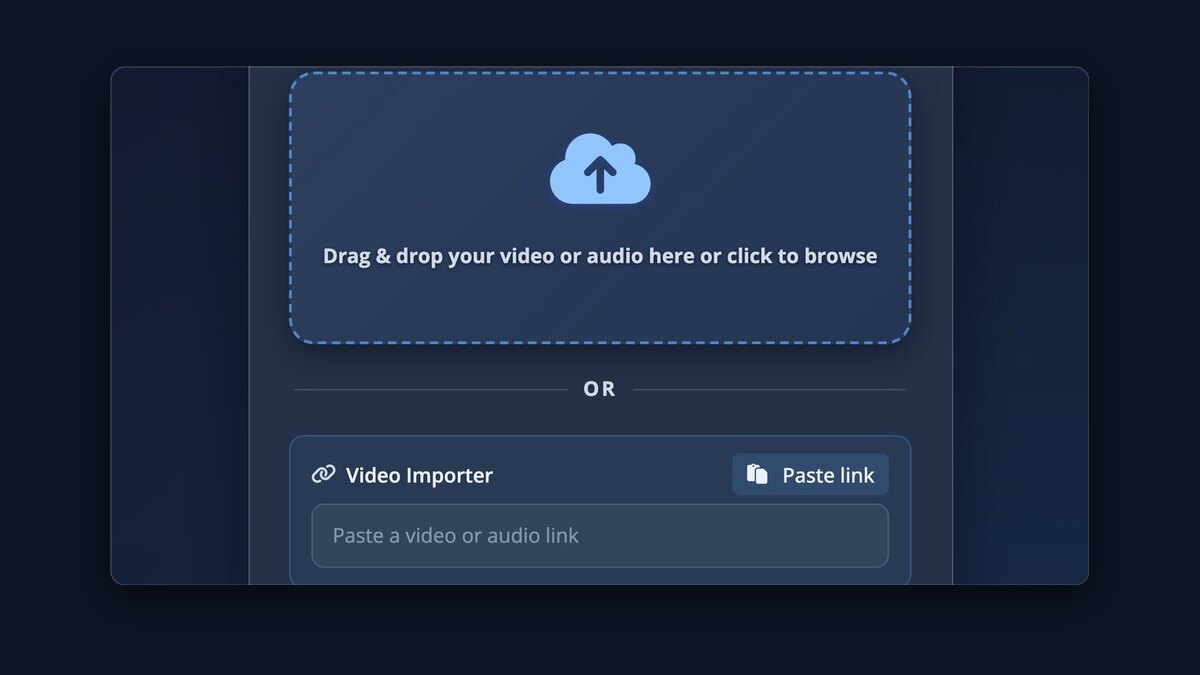
Importateur vidéoCollez une URL et nous récupérons le média pour vous sur plus de 1 100 sites.
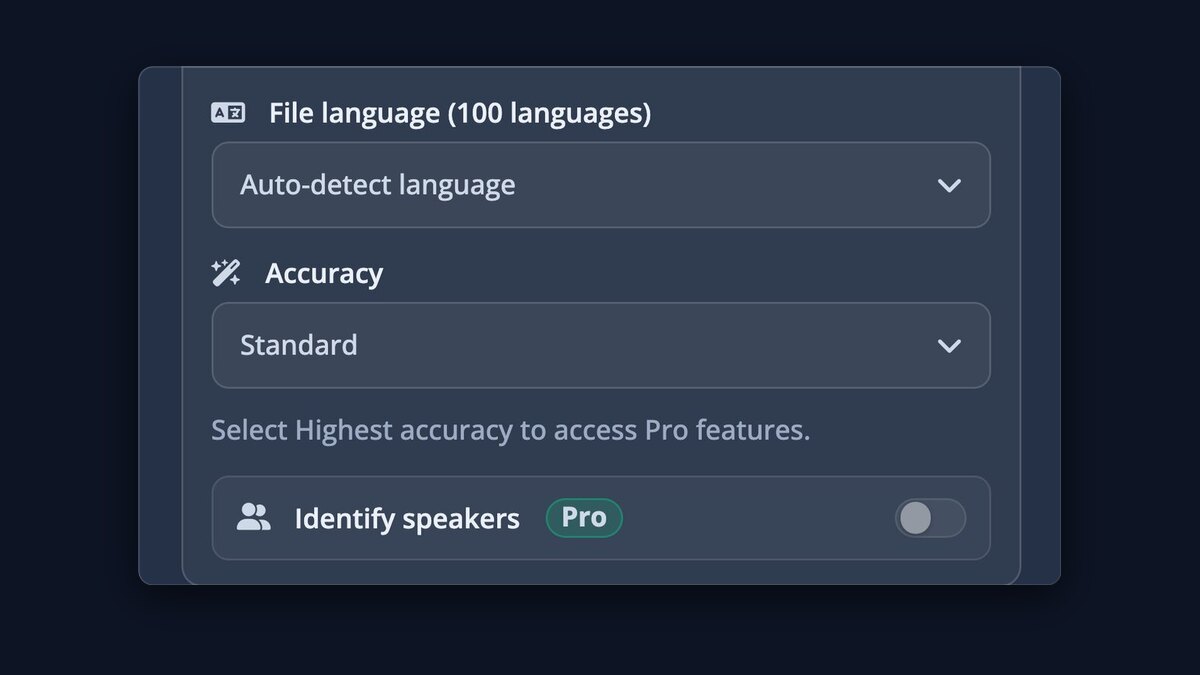
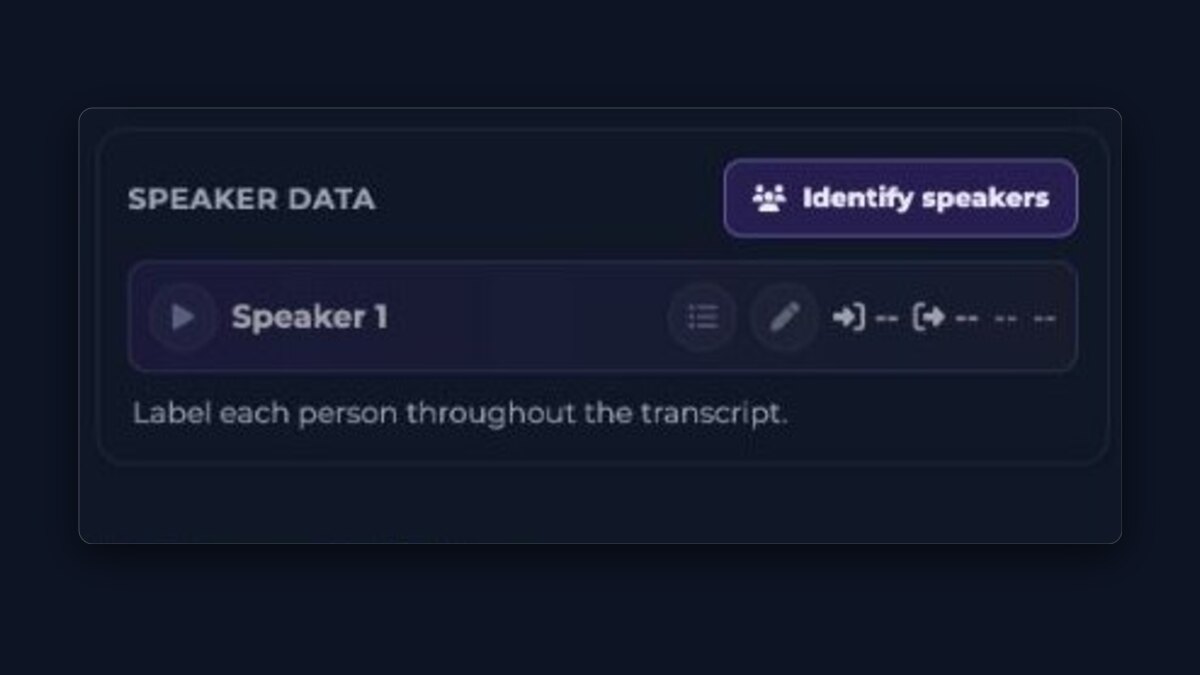
Sachez qui parleProUne étiquette de locuteur sur chaque ligne, avec les noms ajoutés automatiquement.
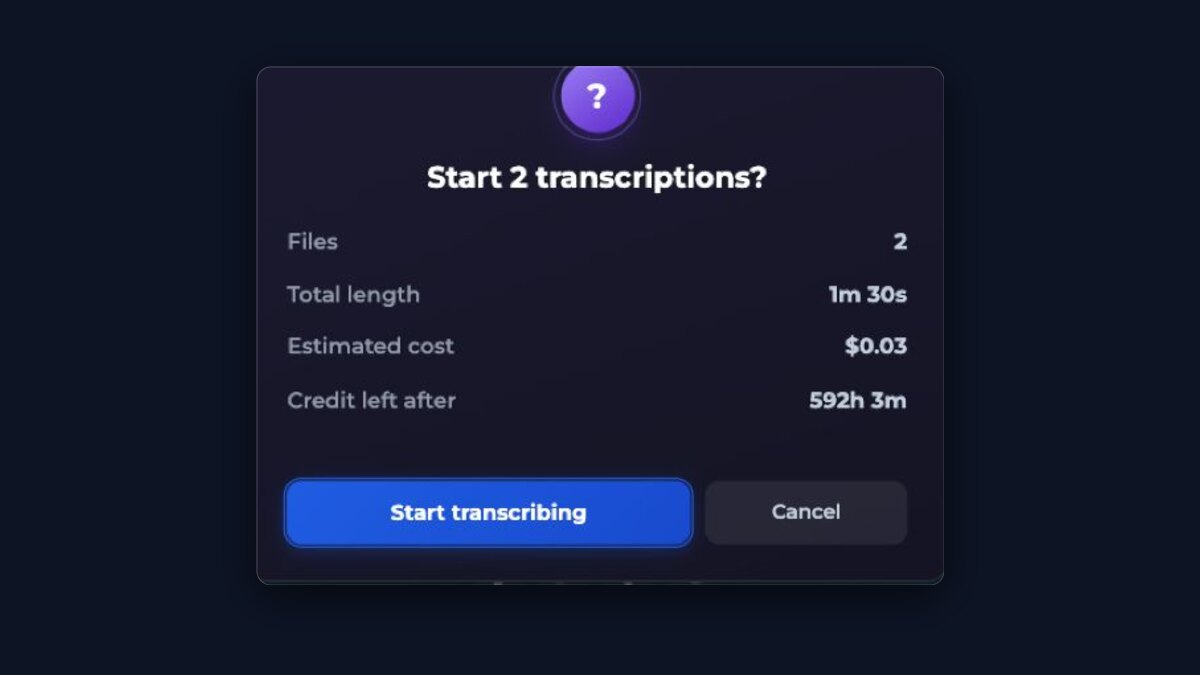
Des lots entiers d’un coupProDéposez plusieurs fichiers et laissez-les se transcrire en parallèle.
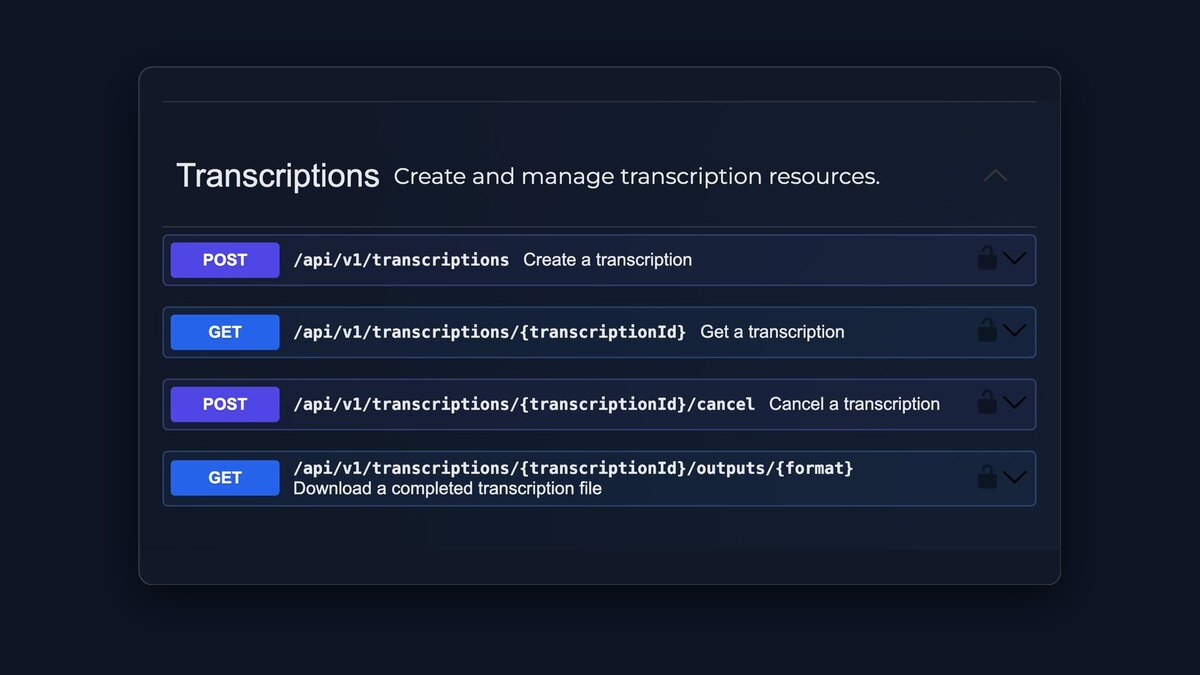
Accès APIProConnectez vos propres logiciels avec une clé API.
$0.99/ heure
Vous ne payez que les heures que vous traitez réellement. Et chacune d'elles utilise les meilleurs modèles de transcription disponibles.
- Sans abonnement
- Commencez avec $0.99
- Le crédit n'expire jamais
Japanese writing mixes kanji, hiragana, and katakana in the same sentence and puts no spaces between words, so Japanese subtitles follow their own layout rules. Upload a meeting, lecture, interview, podcast, or any other recording with Japanese speech. The transcript is broken into subtitle lines using character counts suited to Japanese, keeps timestamps to the recording, and can be translated with the original text kept alongside so names and terms can be checked properly.
How to do it
- Upload the audio or video recording with Japanese speech.
- Leave the language on auto-detect, or choose Japanese to skip detection.
- Review names and technical terms — kanji chosen from audio alone can need correcting.
- Download TXT, SRT, VTT, or ASS, or use Export video for a downloadable video with the subtitles visible.
Questions
Why are Japanese subtitle lines briefer than English ones?
Japanese reads comfortably in compact lines, and this app breaks Japanese subtitles by character count rather than by words. The exact per-line limit is shown in the guidance below and applied automatically.
How are kanji handled?
The recognition model chooses kanji from the audio, and Japanese has many homophones, so a name or term can be written with plausible but wrong characters. The transcript is editable on screen; correcting a name once fixes every download.
Can I translate Japanese subtitles into English or other languages?
Yes. Turn on translation and review the original and translation together. Japanese word order differs a lot from English, so checking names, numbers, and quoted phrases against the original is worth the few minutes it takes.
Does it handle katakana loanwords?
Loanwords appear in katakana as the model heard them. Product names and borrowed technical terms are worth a quick review, since the conventional spelling of a brand can differ from a phonetic one.
How Japanese changes the subtitles
Line length is counted in characters
Japanese puts no spaces between words, so subtitle lines here are measured by character count, and a comfortable Japanese line is shorter than a Chinese one, let alone an English one. The exact limits this page applies are shown below, straight from the layout engine.
Kanji from audio needs a human check
The same spoken syllables can map to several written forms, so personal names, company names, and specialist vocabulary are where a Japanese transcript most often needs a correction. Fix each important name once in the player and every download uses the corrected text.
Translation differs more than most languages
Japanese word order and omitted subjects mean a translation reads very differently from the original. Keep both versions visible while reviewing, and give quoted phrases, numbers, and polite forms a direct check against the recording before publishing the translated subtitles.
Utilisation gratuite, prix et limites
Ces chiffres sont ceux que l’outil d’envoi de cette page applique réellement.
- Pour commencer
- Aucun compte ni moyen de paiement n’est nécessaire pour le premier envoi gratuit. Un compte gratuit permet d’envoyer un autre fichier immédiatement, puis un fichier toutes les 30 minutes, dans la limite de 3 envois par 24 heures.
- Transcriptions gratuites
- 1 par 24 heures sans compte · 3 par 24 heures avec un compte gratuit · une toutes les 30 minutes avec un compte gratuit
- Durée gratuite par fichier
- Jusqu’à 30 minutes par fichier sans compte · jusqu’à 30 minutes avec un compte gratuit
- Taille gratuite par fichier
- Jusqu’à 1 GB par envoi
- Prix payant
- $0.99 par heure d’audio ou de vidéo, paiement à l’usage, sans abonnement. Le premier achat commence à $0.99 ; les recharges suivantes commencent à $5.00.
- Limites payantes par fichier
- Aucune limite de durée. Fichiers jusqu’à 10 Go.
- Téléchargements
- Fichiers de transcription et de sous-titres (TXT, SRT, VTT avec chaque transcription, ASS avec l’option payante), ou une vidéo téléchargeable avec les sous-titres visibles
- Langues
- Transcription en 100 langues avec détection automatique · traduction vers 120 langues
- Identification des intervenants
- Disponible avec l’option payante Précision maximale. Les intervenants détectés peuvent être renommés dans la transcription.