Japanese subtitles and transcripts
Transcribe Japanese recordings and download subtitles laid out for Japanese text.
- Maximum 30 minute duration, basic accuracy
- Maximum 3 uploads a day when signed in
如何使用本站

你将获得
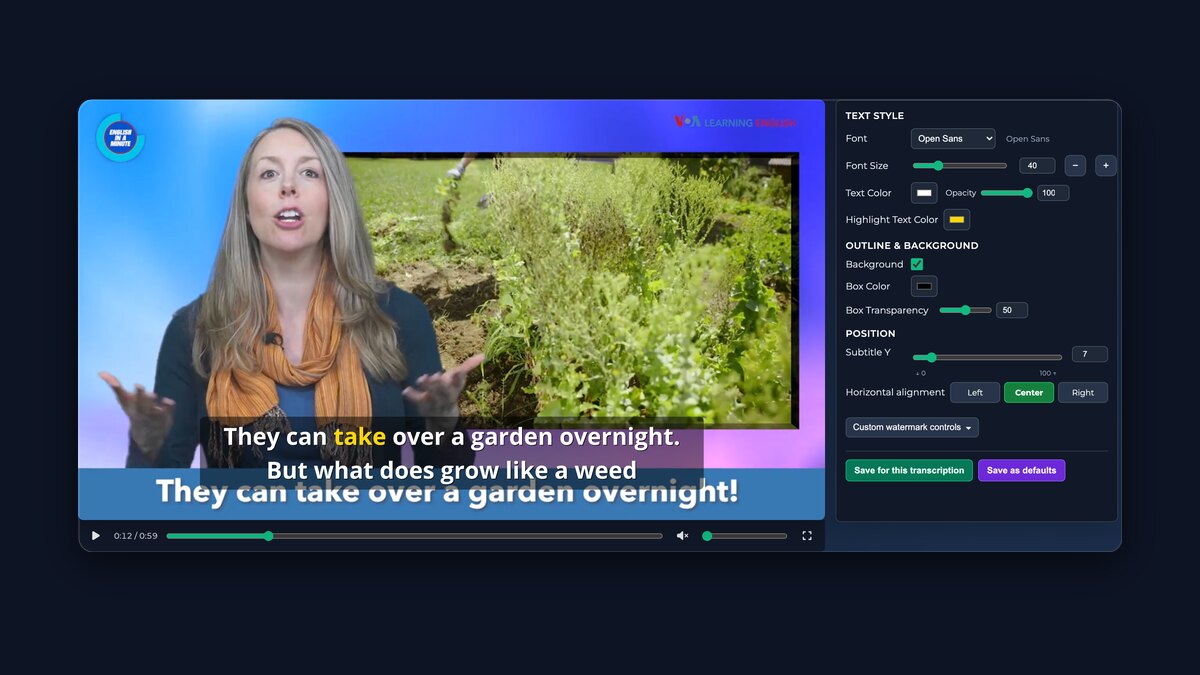
导出带字幕的视频在实时预览中调整字幕样式,然后导出带字幕的视频——免费导出为带水印、最长五分钟的片段。
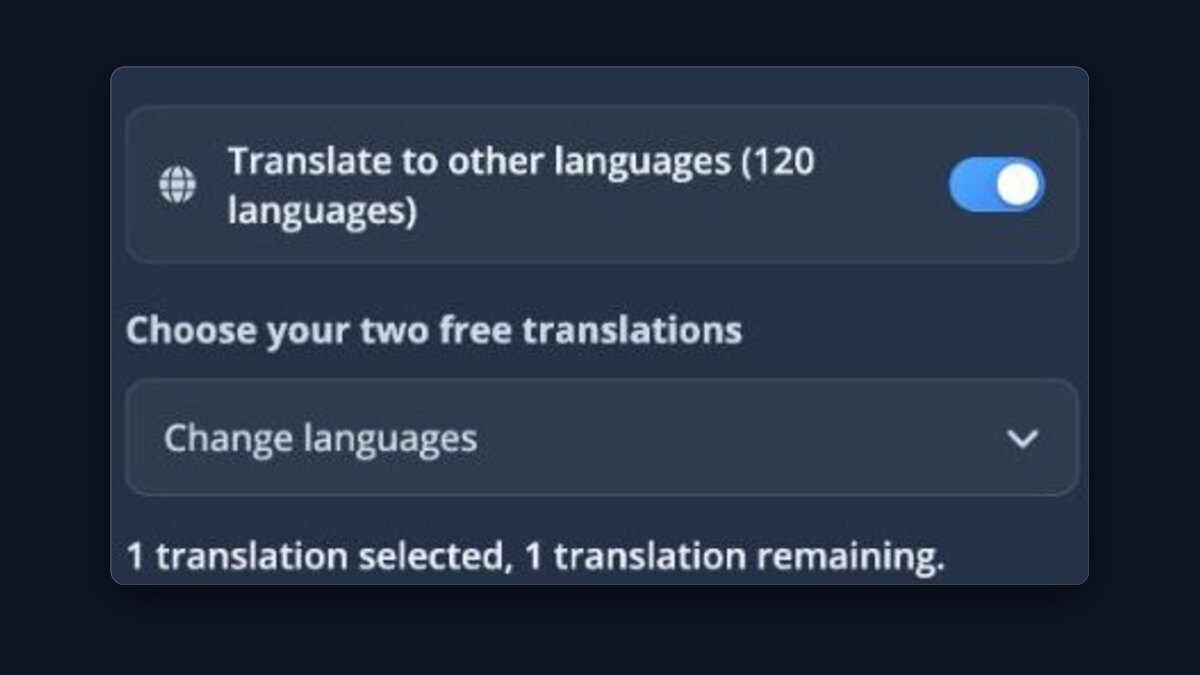
翻译你的转录使用包含的 Basic 翻译,或用额度使用付费模型。
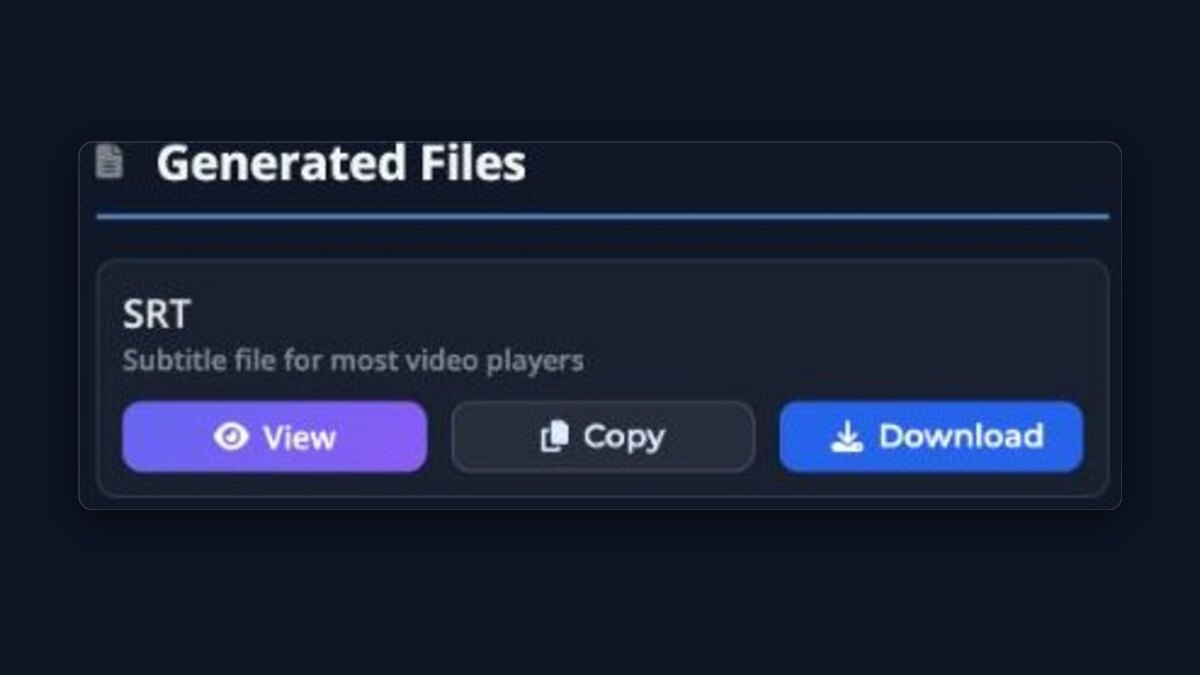
下载与操作下载 SRT/VTT/TXT 或打开播放器预览。
转录编辑器Pro逐行修正转录文本,同时让所有字幕文件保持同步。

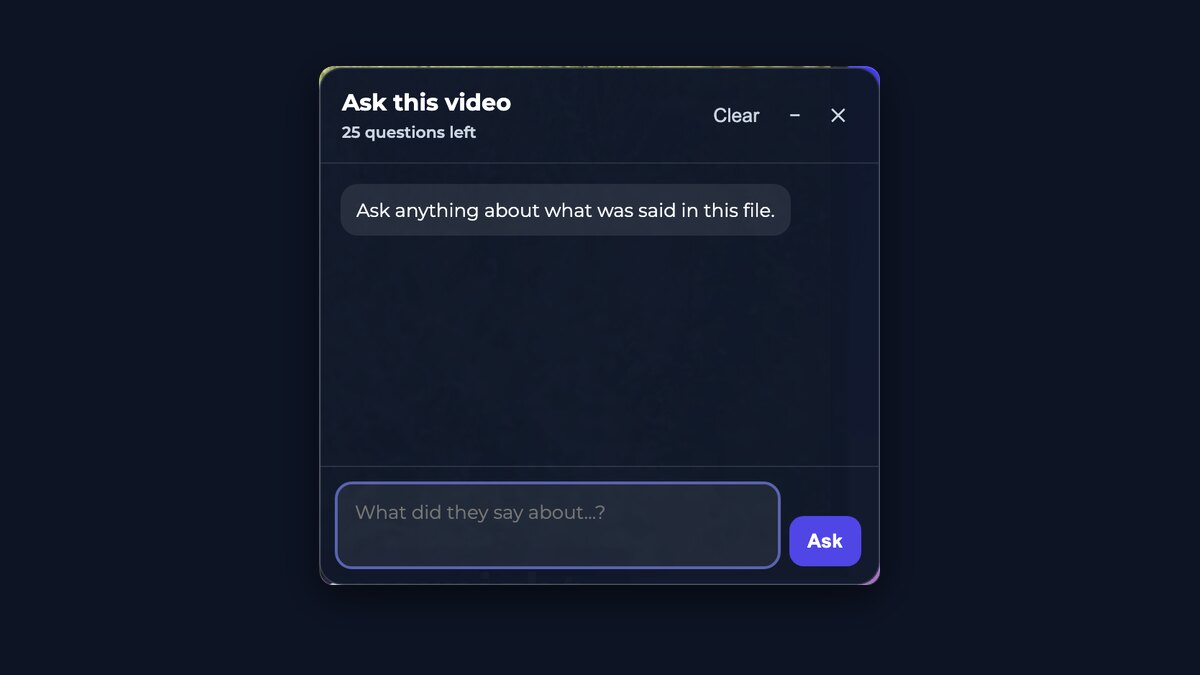
向该视频提问无需拖动进度条,就能得到关于内容的回答 — 免费上传的提问次数有限。
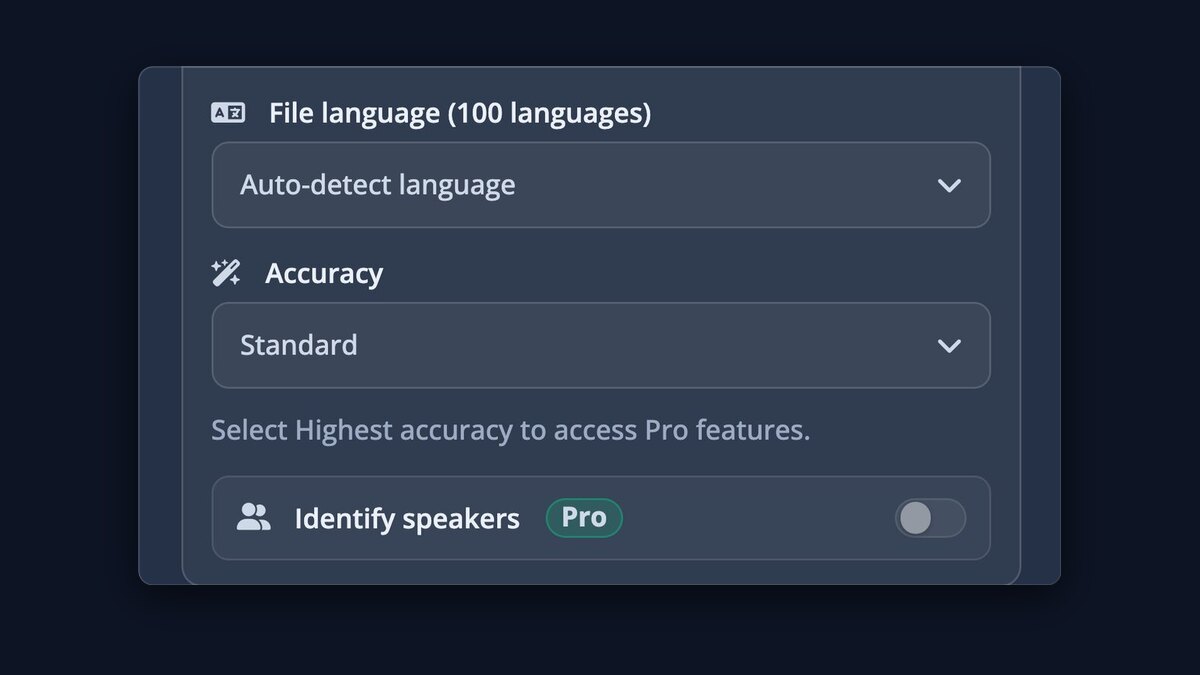
最高准确度Pro使用现有最好的转录模型,而非最快的模型,事后需要修改的地方更少。
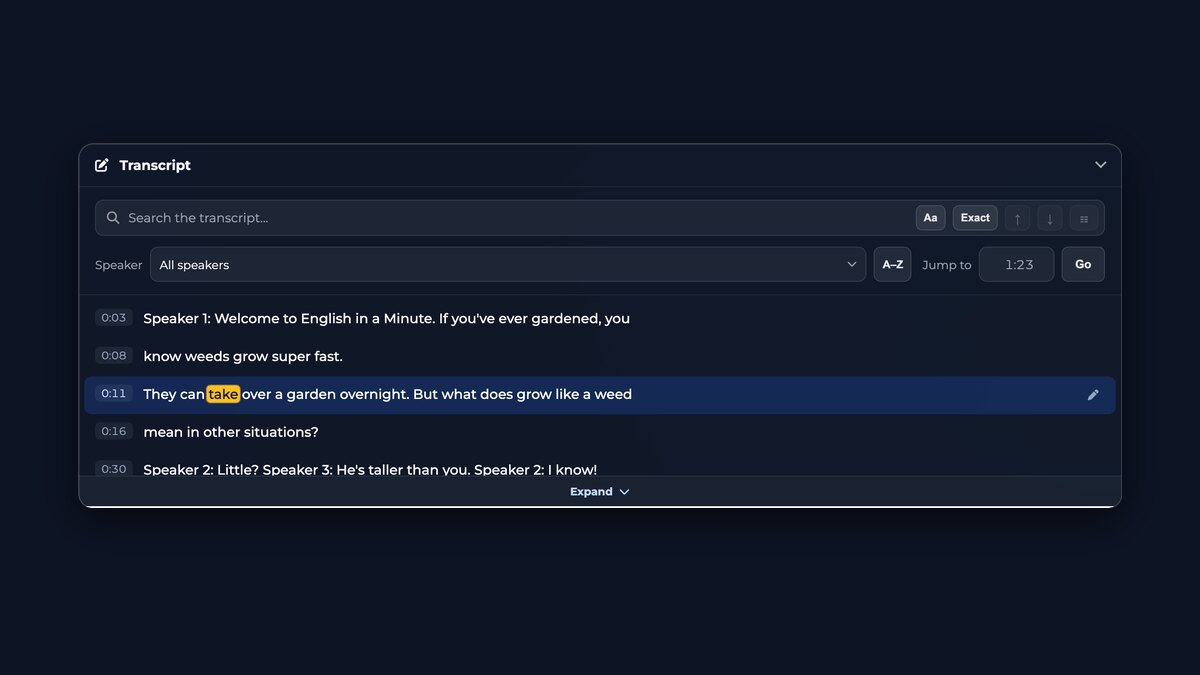
可搜索的文字稿搜索任意词语,按说话人筛选,直接跳到说出这句话的那一刻。
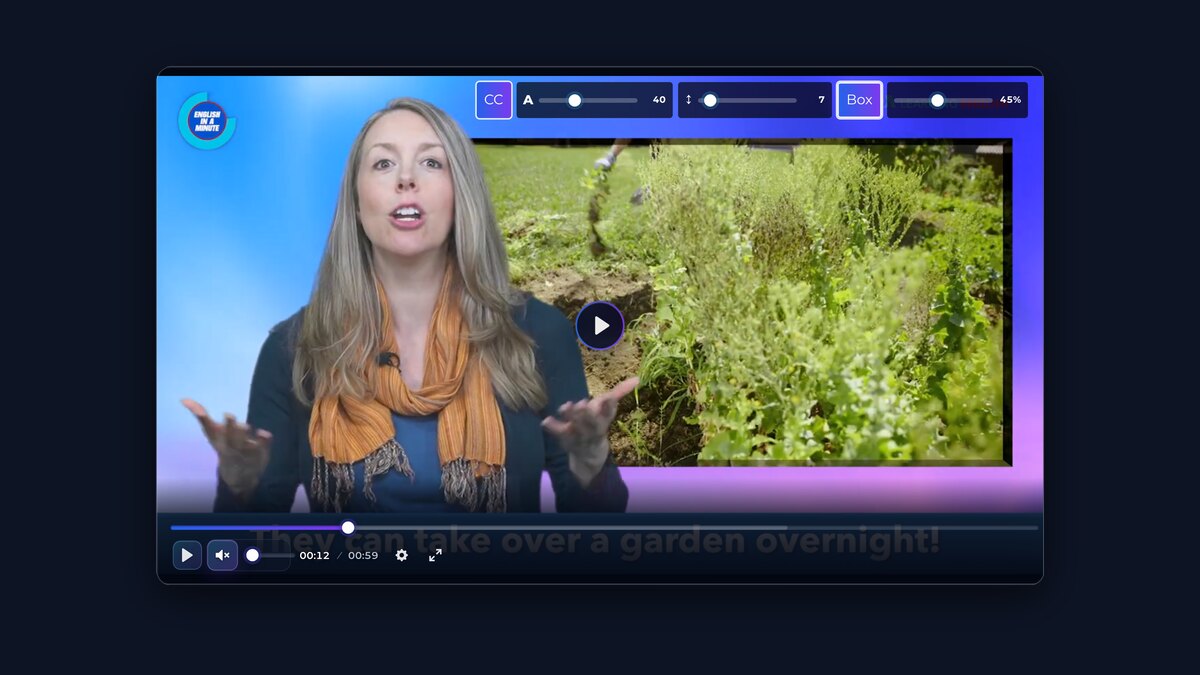
媒体播放器带字幕直接播放,在各个翻译轨道之间切换,并调整字幕的大小、行距和背景。
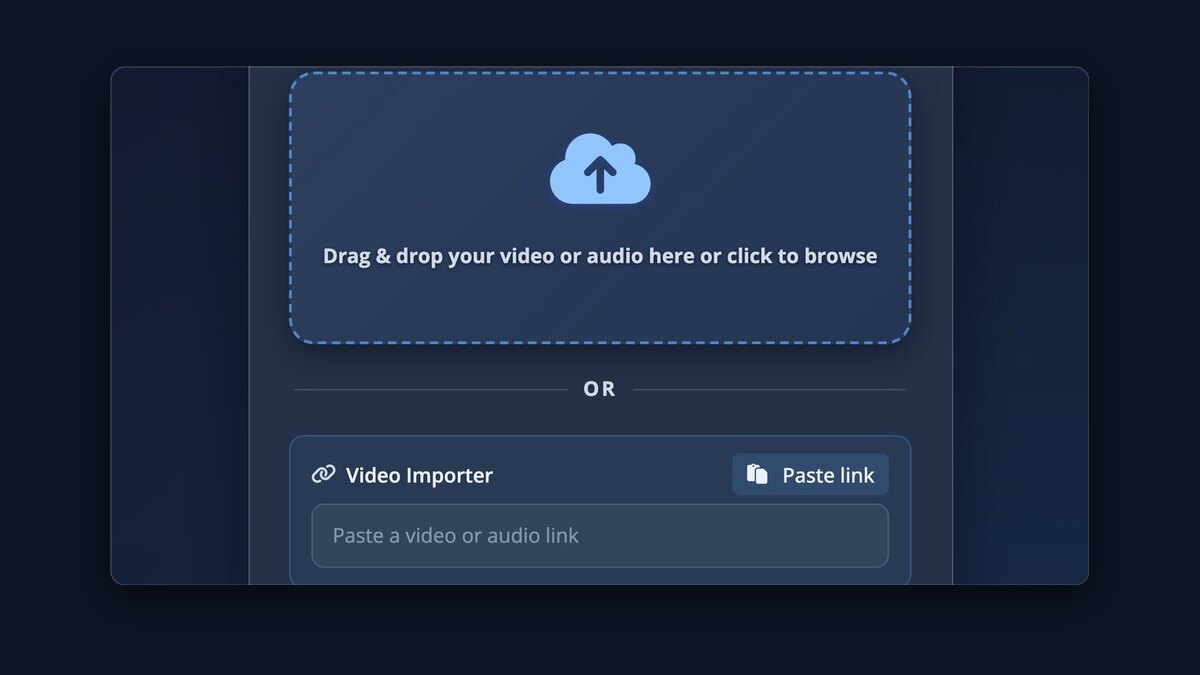
视频导入器粘贴网址,我们会从 1,100 多个网站为你抓取媒体文件。
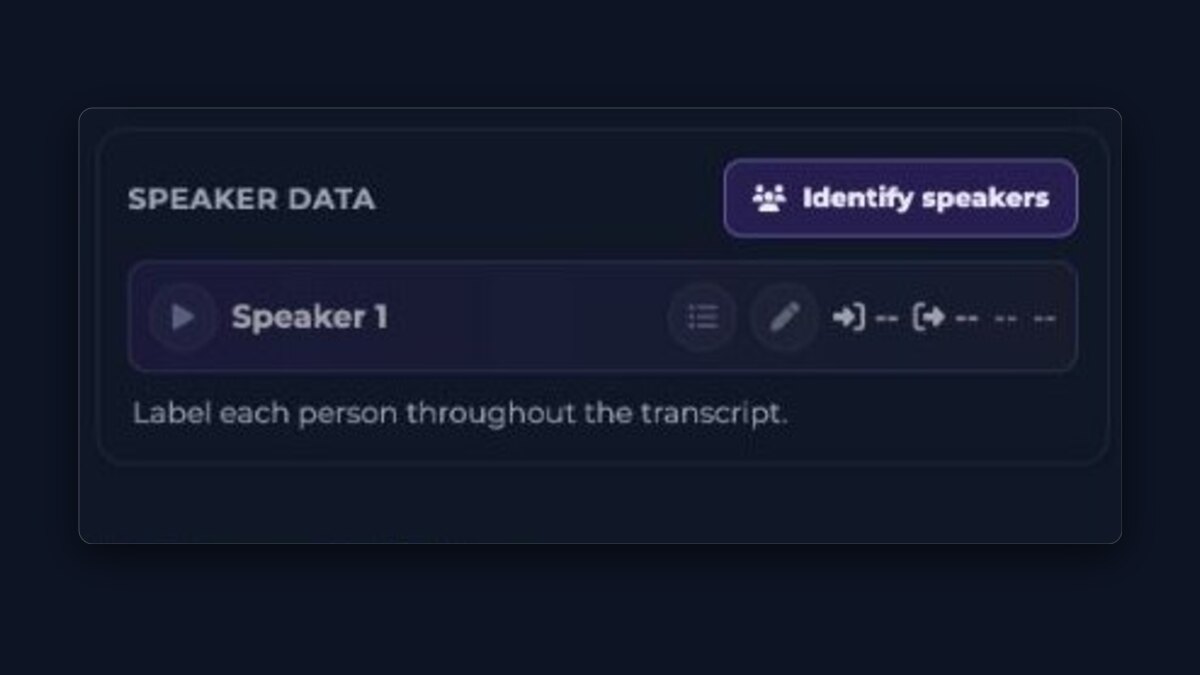
识别每位说话人Pro每一行都有说话人标签,姓名会自动添加。
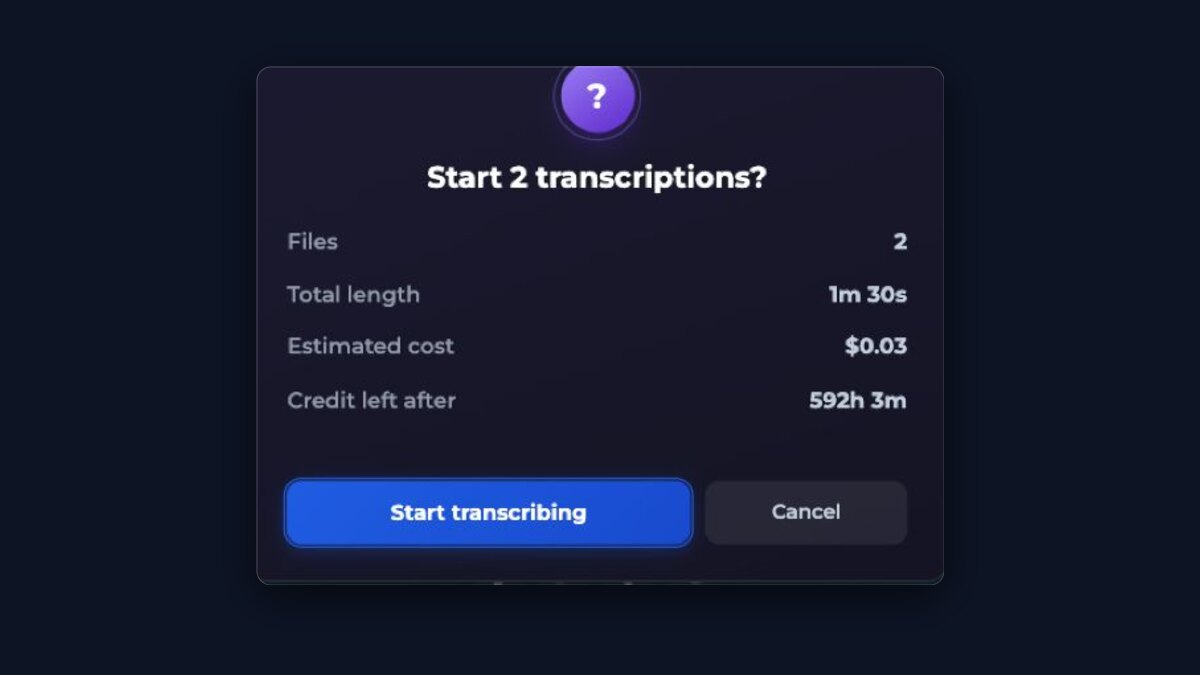
整批同时处理Pro一次拖入多个文件,并行完成转录。
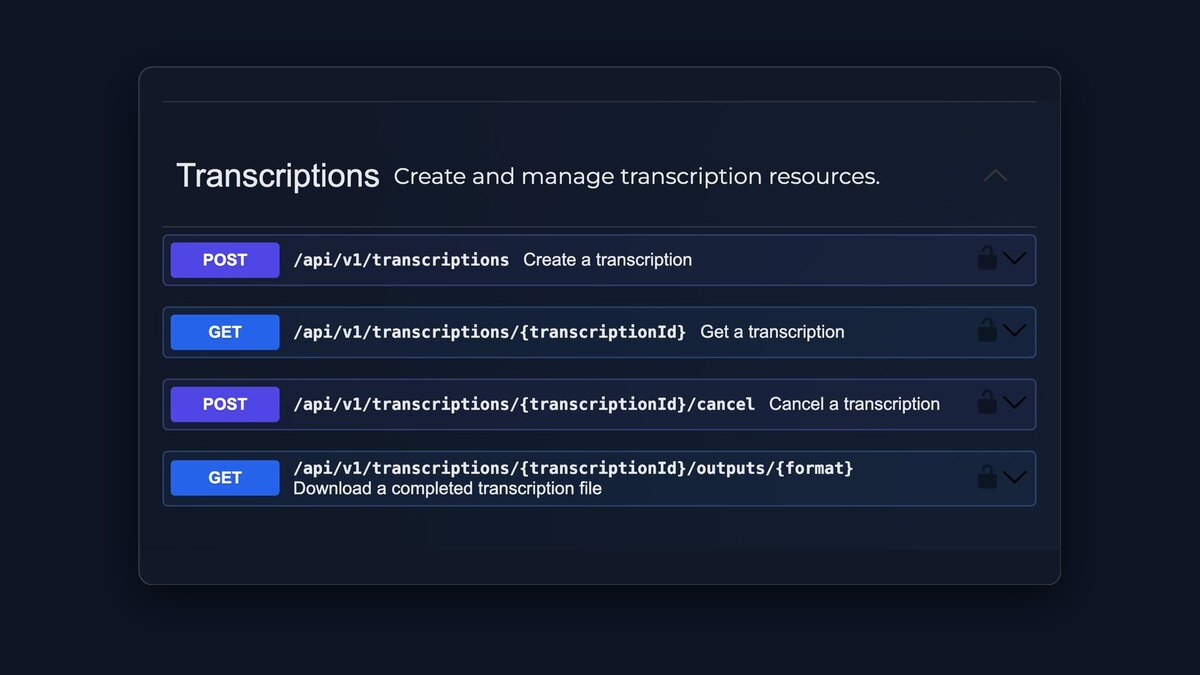
API访问Pro用 API 密钥接入你自己的软件。
$0.99/ 小时
只为你实际处理的时长付费,每一小时都使用现有最佳的转录模型。
- 无需订阅
- 从 $0.99 开始
- 额度永不过期
Japanese writing mixes kanji, hiragana, and katakana in the same sentence and puts no spaces between words, so Japanese subtitles follow their own layout rules. Upload a meeting, lecture, interview, podcast, or any other recording with Japanese speech. The transcript is broken into subtitle lines using character counts suited to Japanese, keeps timestamps to the recording, and can be translated with the original text kept alongside so names and terms can be checked properly.
How to do it
- Upload the audio or video recording with Japanese speech.
- Leave the language on auto-detect, or choose Japanese to skip detection.
- Review names and technical terms — kanji chosen from audio alone can need correcting.
- Download TXT, SRT, VTT, or ASS, or use Export video for a downloadable video with the subtitles visible.
Questions
Why are Japanese subtitle lines briefer than English ones?
Japanese reads comfortably in compact lines, and this app breaks Japanese subtitles by character count rather than by words. The exact per-line limit is shown in the guidance below and applied automatically.
How are kanji handled?
The recognition model chooses kanji from the audio, and Japanese has many homophones, so a name or term can be written with plausible but wrong characters. The transcript is editable on screen; correcting a name once fixes every download.
Can I translate Japanese subtitles into English or other languages?
Yes. Turn on translation and review the original and translation together. Japanese word order differs a lot from English, so checking names, numbers, and quoted phrases against the original is worth the few minutes it takes.
Does it handle katakana loanwords?
Loanwords appear in katakana as the model heard them. Product names and borrowed technical terms are worth a quick review, since the conventional spelling of a brand can differ from a phonetic one.
How Japanese changes the subtitles
Line length is counted in characters
Japanese puts no spaces between words, so subtitle lines here are measured by character count, and a comfortable Japanese line is shorter than a Chinese one, let alone an English one. The exact limits this page applies are shown below, straight from the layout engine.
Kanji from audio needs a human check
The same spoken syllables can map to several written forms, so personal names, company names, and specialist vocabulary are where a Japanese transcript most often needs a correction. Fix each important name once in the player and every download uses the corrected text.
Translation differs more than most languages
Japanese word order and omitted subjects mean a translation reads very differently from the original. Keep both versions visible while reviewing, and give quoted phrases, numbers, and polite forms a direct check against the recording before publishing the translated subtitles.
免费使用、价格与限制
以下数字与本页上传工具实际执行的限制一致。
- 开始使用
- 首次免费上传无需账户或付款信息。免费账户可让您立即再次上传,之后每隔 30 分钟可上传一次,每 24 小时最多上传 3 次。
- 免费转写次数
- 无账户每 24 小时 1 · 免费账户每 24 小时 3 次 · 有免费账户每 30 分钟一次
- 免费文件时长
- 未登录时单个文件最长 30 分钟 · 免费账户最长 30 分钟
- 免费文件大小
- 每次上传最大 1 GB
- 付费价格
- 音频或视频每小时 $0.99,按量付费,无需订阅。首次购买 $0.99 起;之后充值 $5.00 起。
- 付费文件限制
- 无时长限制,文件最大 10 GB。
- 下载
- 转写文本和字幕文件(每次转写都提供 TXT, SRT, VTT,付费选项另含 ASS),或字幕直接显示在画面中的可下载视频
- 语言
- 支持 100 种语言的转写并自动检测 · 可翻译成 120 种语言
- 说话人识别
- 付费「最高准确度」选项提供。识别出的说话人可在转写文本中重命名。